

Nutrition facts
A nutrition panel in a click, on the card and in the schema.
Recipes that print beautifully.
Customers tap Print on any recipe on your Shopify store and get a clean page to cook from, in your brand colour. No menus, no sidebars, just the recipe.
A nutrition panel in a click, on the card and in the schema.

Pinterest, Facebook, WhatsApp and email, on every card.
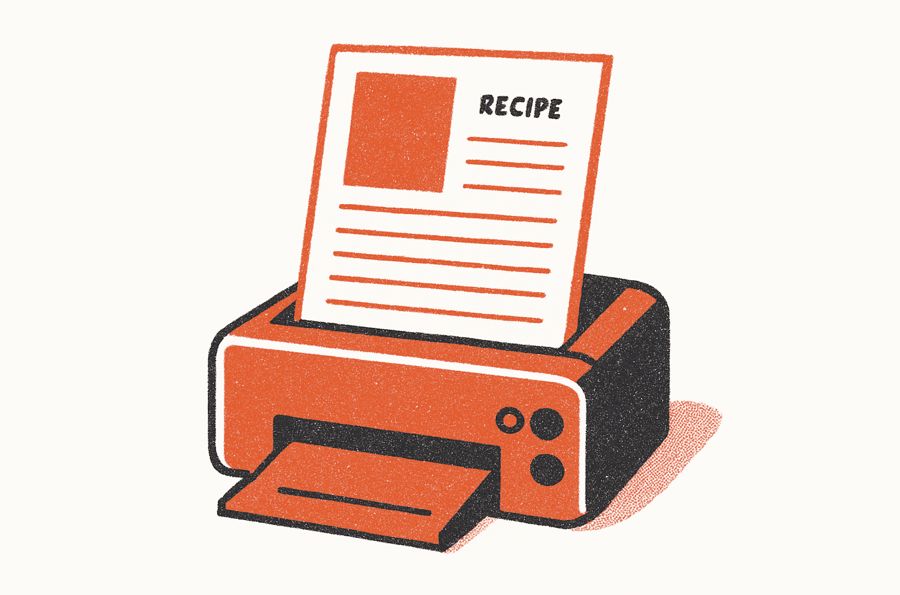
A clean print view, no ads or sidebars.
From Shopify store to kitchen counter.
Print and share are built into every recipe card.
A clear Print button sits on every recipe page.
Navigation, sidebars and product links drop away. Ingredients, steps, times and servings stay.
On the Growth plan, every recipe gets a QR code for your packaging. A scan opens the recipe on your store, and every scan is tracked.
Built for paper.
A separate print layout, not a screenshot of your web page.
Page breaks fall between steps, not in the middle of one. Headings stay with their content. Pick a smaller text size to fit more on each page.
Works on iOS and Android. Customers use their phone's own print menu to print, or save the recipe as a PDF.
Headings and step numbers print in the brand colour you set for your store's recipe cards. You choose whether the photo prints, and how big.
What Shopify food brands say about printing.
The ability to print the recipes is great and it shows up with very readable version. Searching recipes is easy too.
My recipes now print beautifully, it is easy to tag products within the recipes.
The modern design of the card is just what I wanted and the links and print capabilities are spot-on.
I can finally add recipes with a print option from Shopify.
The Recipe Kit app solved all of our concerns and hit it out of the park (looks great, printable, SEO-friendly, and more).
Built and supported by a small team on Shopify that answers every message itself.
Preguntas sobre la impresión de recetas.
Yes, many do. They print to cook without a phone in hand, to keep favourites in recipe binders, to share with family, and to have a copy offline.
It removes navigation, sidebars, product links and other web elements. The layout is compact and set for paper, in your brand colour.
It uses the brand colour you set in Recipe Kit, on headings and step numbers, so it matches your recipe cards. The printout does not include your logo or store URL.
Yes. Choose whether the photo, description, notes and nutrition print, and pick the text size, font and photo size. Settings apply to every recipe automatically, and customers can adjust them before printing.
Yes, on iOS and Android. Customers tap Print to open the clean print page. From there they send it to a printer or save it as a PDF.
You decide whether the main photo prints, as a small thumbnail or a full-width image. Step photos stay off the printout to save paper.
Page breaks fall between ingredients and between steps, not in the middle of one. Section headings stay with their content.
Yes. When they click Print, they can save a PDF instead. It uses the same clean print layout.
Give customers a recipe worth printing.
Free plan available. Paid plans include a 14-day free trial.