


Food brands growing with Recipe Kit







1Publish recipes in minutes
Paste a link. Get a beautiful recipe page.
Three ways in. Turn any product you sell into a recipe, bring over the ones you already have, or write your own.
- Start from a product. Pick something on your shelves and get a full recipe built around it, already linked.
- Bring what you have. Paste a link, snap a cookbook page or drop in text.
- Write your own. Type the ingredients and steps. We do the formatting.

We move them for you
Hundreds of recipes on an old blog or app? Our team imports them.
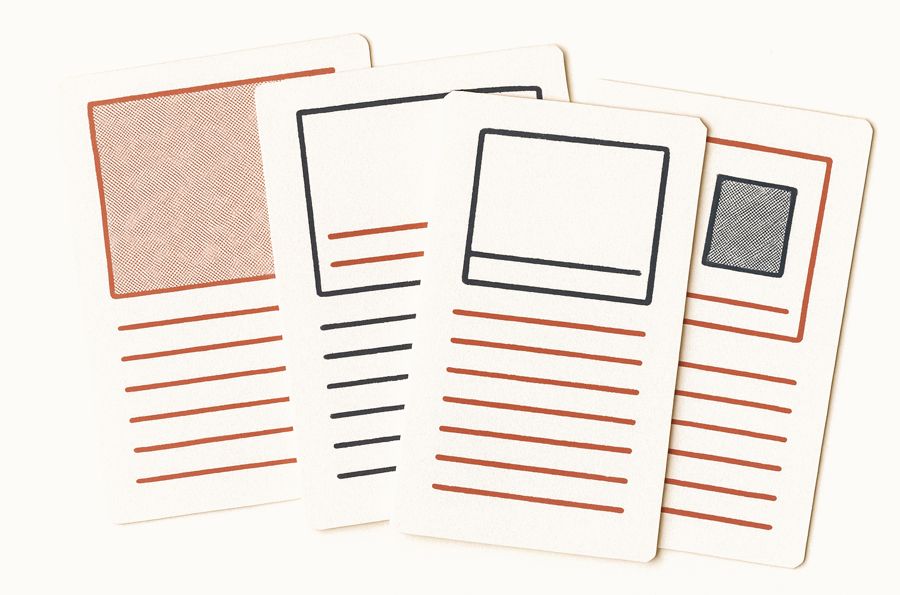
Six recipe designs
Pick a card design that fits your theme, in your brand colour.
 Growth
Translations
Recipes are translated automatically, so you never retype them.
 Growth
Step photos
Add a photo to each step so readers see what done looks like.
2Get found on Google and AI
 Corner Market Grocer
From a blue link to a recipe result.
People search for dinner, not a product. A Recipe Kit recipe shows up for dinner, with your product in it.
Every card ships with recipe schema: ratings, times, calories and a photo. That is what makes a page eligible for Google’s recipe results, and what AI assistants read when they recommend a recipe. No plugins, no code.
Recipes are what really moved the needle and helped us break past that branded ceiling.
 Read the case study →
How recipes get found
Read the case study →
How recipes get found 
Star ratings
Readers rate recipes on the page, and the rating goes into the schema.
Recipe schema
Added automatically and kept up to date. No plugins, no code.

Readable by AI
Structured data that AI assistants can read and cite.

Photo-rich results
A photo, times and calories, eligible to show right in search.
3Keep shoppers on your store
The recipe page shoppers actually use.
Shoppers come for dinner and shop it on your store, with your products in every step.
- Looks native to your theme, in your brand colour
- Scaling, unit switching and cook mode keep cooks on your page
- Checkboxes and step photos make it easy to finish
- Theme app blocks that don’t slow your store down
Recipes aren't a marketing add-on for us, they're the core of the business.
 Read the case study →
See the recipe card designs
Read the case study →
See the recipe card designs 
Nutrition facts
A nutrition panel in a click, on the card and in the schema.

Share buttons
Pinterest, Facebook, WhatsApp and email, on every card.
Printable
A clean print view, no ads or sidebars.
4Sell from them

Every ingredient is one tap from the cart.
Every recipe is a shopping list of your products. One tap adds the item, or the lot.
Link any ingredient to a product and pick the variant, on every plan. On Growth, readers add one item, or the whole list, to their cart without leaving the recipe.
Recipes are a foundational part of how we grow Olivelle.
 Read the case study →
How shoppable recipes work
Read the case study →
How shoppable recipes work 
Product links
Any ingredient can link to a product in your store, on every plan.
Pick the variant
Choose the size or flavour that fits the recipe.
 Growth
Add all to cart
One tap puts every linked product in the cart.

Your own checkout
Shoppers buy through your Shopify cart. Nothing extra to set up.
5Share them everywhere
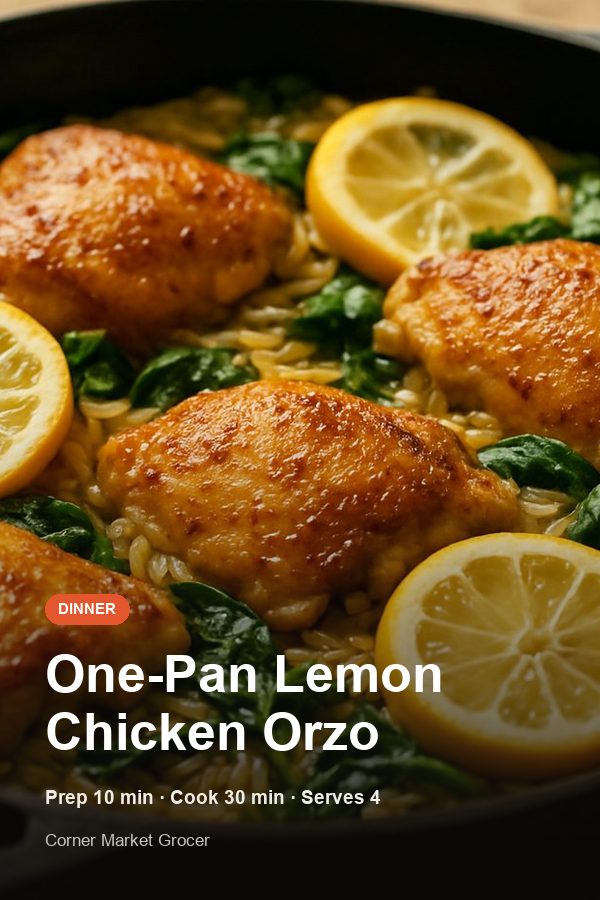
 Scan for this week’s recipe
Share images and QR codes, made for you.
Share images for every recipe, and a QR code for the shelf tag.
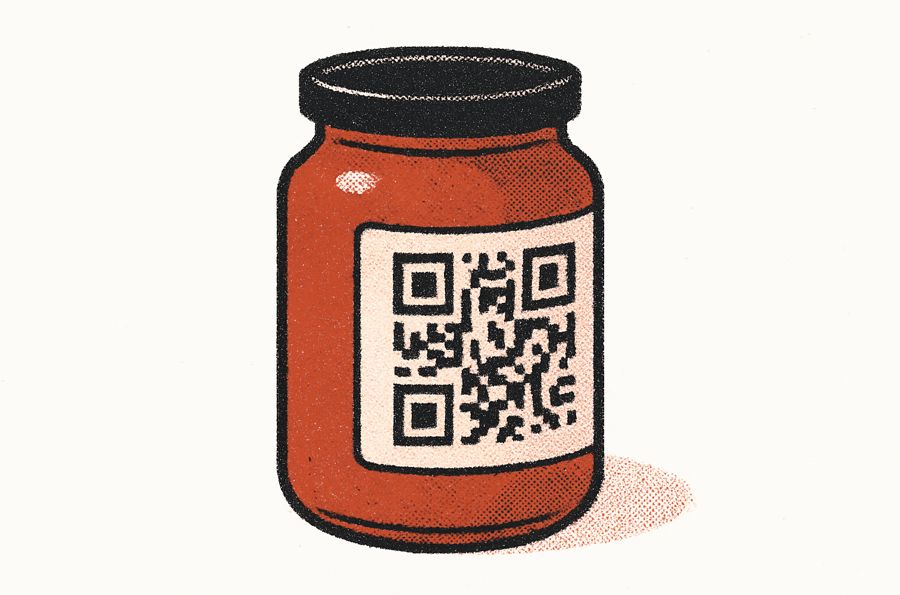
Pick a size for Instagram, Pinterest, TikTok or X and download. Print the QR code on the jar and every scan lands on the recipe, with the product one tap from the cart. Both are on the Growth plan.
Someone may arrive searching for a peach mocktail recipe and leave realizing they've discovered a tea company.
 Read the case study →
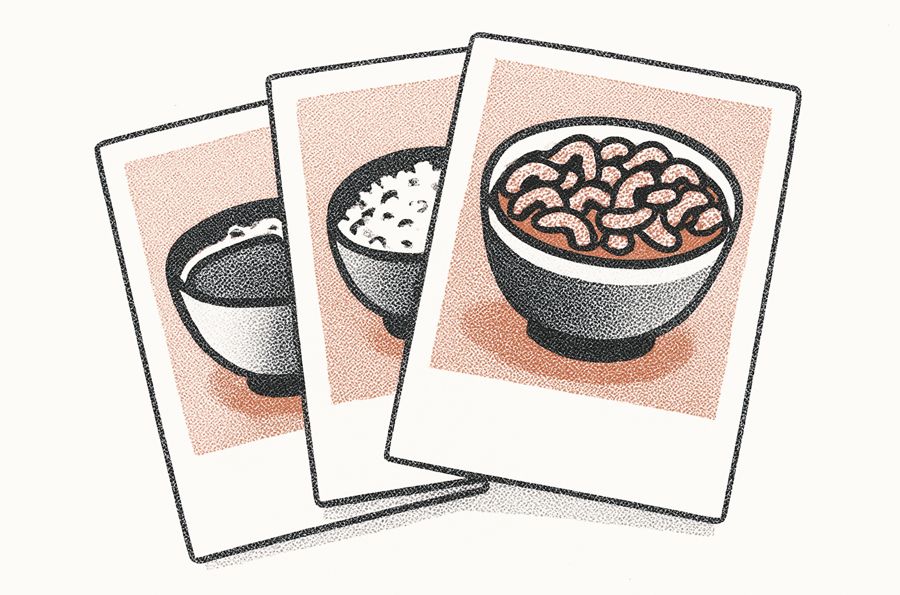
Share images
Square, portrait and carousel images, with a caption to paste.
Made for Pinterest
Tall, clean images built for saving and sharing.
 Growth
QR codes
For packaging, shelf talkers and inserts.

Recipe roundups
Drop a list of recipes onto any page of your store.
6Measure what they earn
Know which recipes sell.
See which recipes sell which products, and make more of those.
Views, prints, shares and ratings for every recipe, on every plan. Add to carts, conversion and revenue are on Growth.
Never be afraid to experiment. Don't be afraid to be wrong, that can tell you more than being right.
 Read the case study →
How recipe analytics work
Read the case study →
How recipe analytics work 
Views and prints
See how each recipe is read and used.
 Growth
Conversion
The share of views that end in an add to cart.
 Growth
Revenue
What each recipe brought in, not just pageviews.

Top recipes
Spot your best performers and repeat what works.
And everything else.
The details that make Recipe Kit the leading recipe app for Shopify food brands.
Blog recipe filters
Readers filter your recipe blog to find the right recipe fast.
Related recipes
Every recipe suggests more of yours, so readers keep browsing.

AI recipe ideas
Stuck for ideas? Get recipe suggestions built around what you sell.

Recipe SEO audit
A free check of how your recipe pages look to Google.
Free tools
Schema generator, food cost calculator and holiday calendar.
 Enterprise
API access
Per-shop API keys to connect recipes to your own systems.

Built for Shopify
Theme app blocks that look native and keep your store fast.

Real support
You will often hear back from Patrick, the founder.
The recipe app grocery stores actually keep.
-
★★★★★
We have just installed this ap for our Australian organic produce store. … Recipes are very important for any business selling food/ingredients, this ap is well worth the monthly fee.
-
★★★★★
This is a great app with awesome customer support! This app is exactly what we were looking for and needed. Would definitely recommend to others.
-
★★★★★
Highly recommend, both for the functionality of the app and the attentive customer service.
-
★★★★★
I love how easy it is to use and integrate with my website, and how it creates Google Rich content for my recipes that perform better in Google Search results.
Built and supported by a small team on Shopify that answers every message itself.
Start free. Pay when recipes start earning.
Five recipes free, forever. Essentials lifts the cap and adds analytics. Growth adds shoppable ingredients, revenue tracking and automatic translations.
-
FreeFree
- Recipe schema for Google, generated automatically
- Social media sharing
- 6 recipe card designs
- Blog tag filters
- AI recipe import
- 3 recipe nutrition analyses included
-
Essentials$ 19 / mo
Billed yearly at $225
- Everything in Free
- Unlimited recipes
- Recipe analytics: views, shares, prints and ratings
- AI recipe import
- 3 recipe nutrition analyses included
-
Most popular
Growth$ 30 / mo
Billed yearly at $360
- Everything in Essentials
- Shoppable ingredients with Add to cart
- Revenue and conversion per recipe
- QR codes with scan tracking
- AI generated recipes
- Multiple direction images
- 25 recipe nutrition analyses included
- Automatic translations
-
Enterprise$ 74 / mo
Billed yearly at $885
- Everything in Growth
- 1-on-1 consultation call with our team
- Custom recipe card styling changes
- First access to new features
- Priority support
- Unlimited recipe nutrition analysis
- API access with per-shop keys
14-day free trial on paid plans · Billed through Shopify · Cancel any time Compare all features →
Questions, answered.
What grocery stores ask before signing up. If you don't see yours, reach out. We read every message.
How do recipes help shoppers buy more?
A recipe lists everything a meal needs. Instead of buying a single chicken breast, a shopper can add the chicken, vegetables and herbs from the same recipe. On the Growth plan, each ingredient has its own Add to cart button, and you can turn on Add all to cart.
Can we promote seasonal and sale items?
Yes. Tag recipes by season or promotion, and link their ingredients to the products you want to move. Update recipes through the year as your range changes.
Does this work for curbside pickup and delivery?
Yes. Items go into your normal Shopify cart and checkout, so shoppers get the pickup and delivery options you already offer.
How do we organize recipes for customers?
Use tags. Organize by meal type (breakfast, dinner), diet (vegan, keto), cook time (30-minute meals) or any system that suits your customers. Blog tag filters let shoppers narrow the list, and an optional search bar finds recipes by title, ingredient or tag.
Can we customize recipes to our brand?
Yes. Choose from six recipe card designs, set your accent colour, and add custom CSS if you want more control.
What metrics can we track?
Every plan, Free included, shows views, shares, prints and ratings for every recipe. Growth adds conversion, add-to-carts and revenue per recipe. Use them to decide which recipes to promote.
Ready to sell whole meals?
Publish your first recipe free, then link its ingredients to your shelves.