
Free Recipe Card Templates
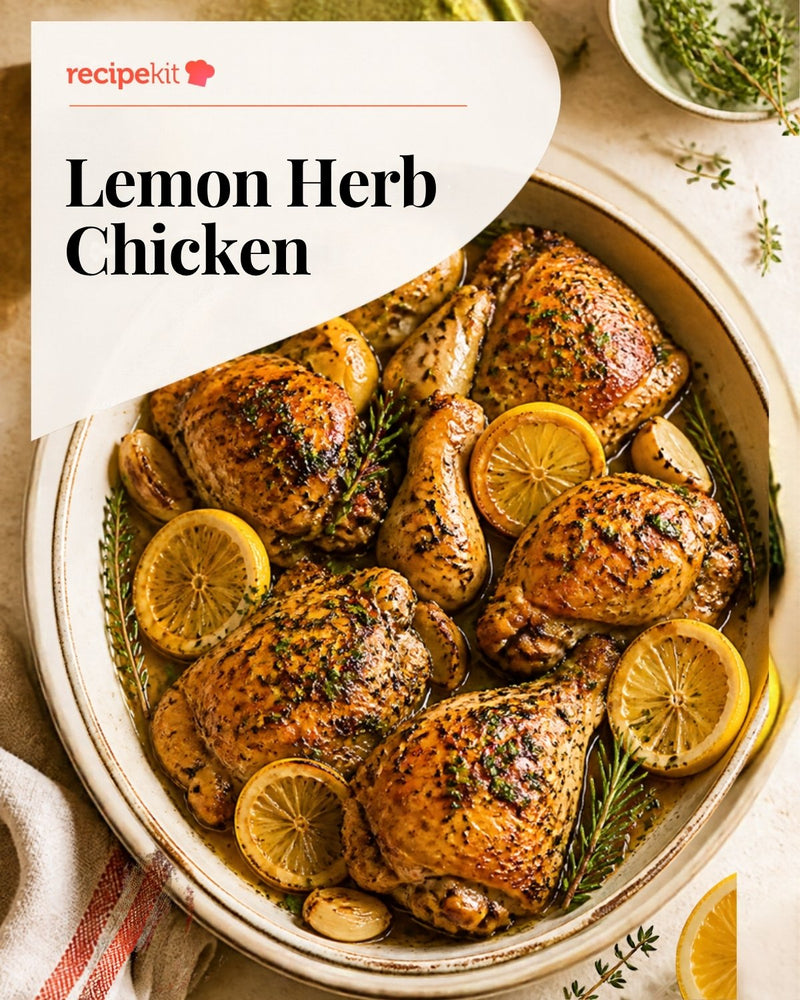
Find a free recipe card template for your next family favourite, product handout or food post. Browse 30 editable Canva designs: printable 4x6 and 3x5 recipe cards, full recipe pages, Instagram carousels and photo-led social cards.
Choose a format below, preview the design, then select Open in Canva to customize the recipe, photos, logo and colours. For a quick layout without Canva, try our free interactive recipe card maker.
30 templates
Instagram Recipe Carousel Templates
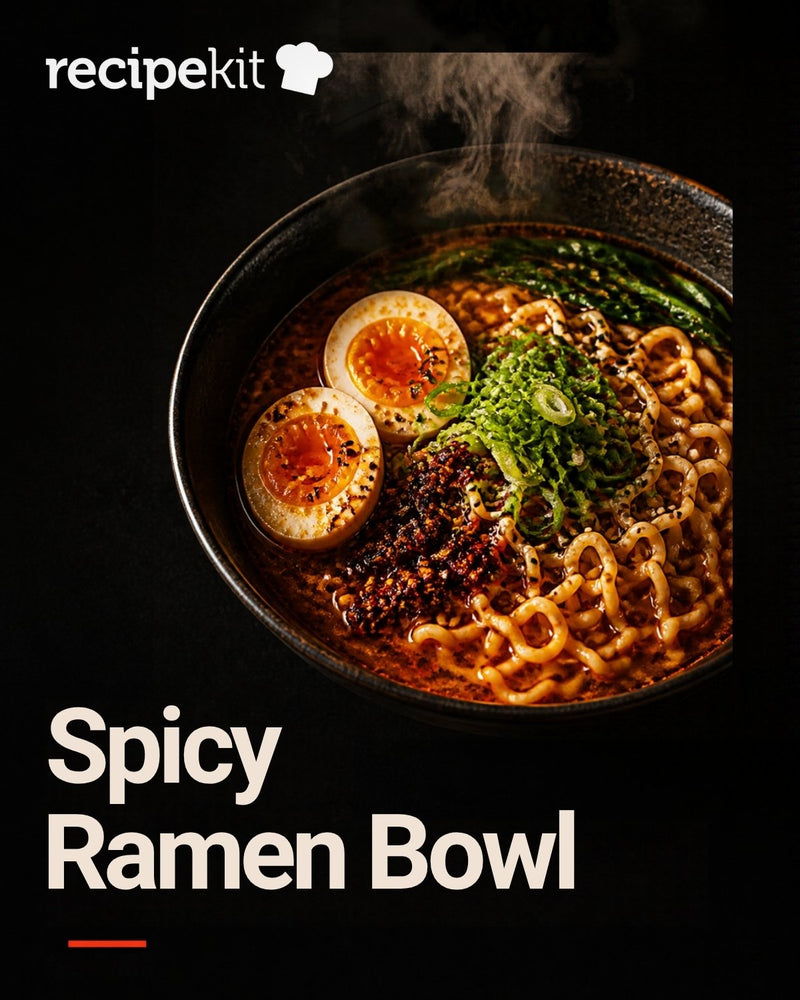
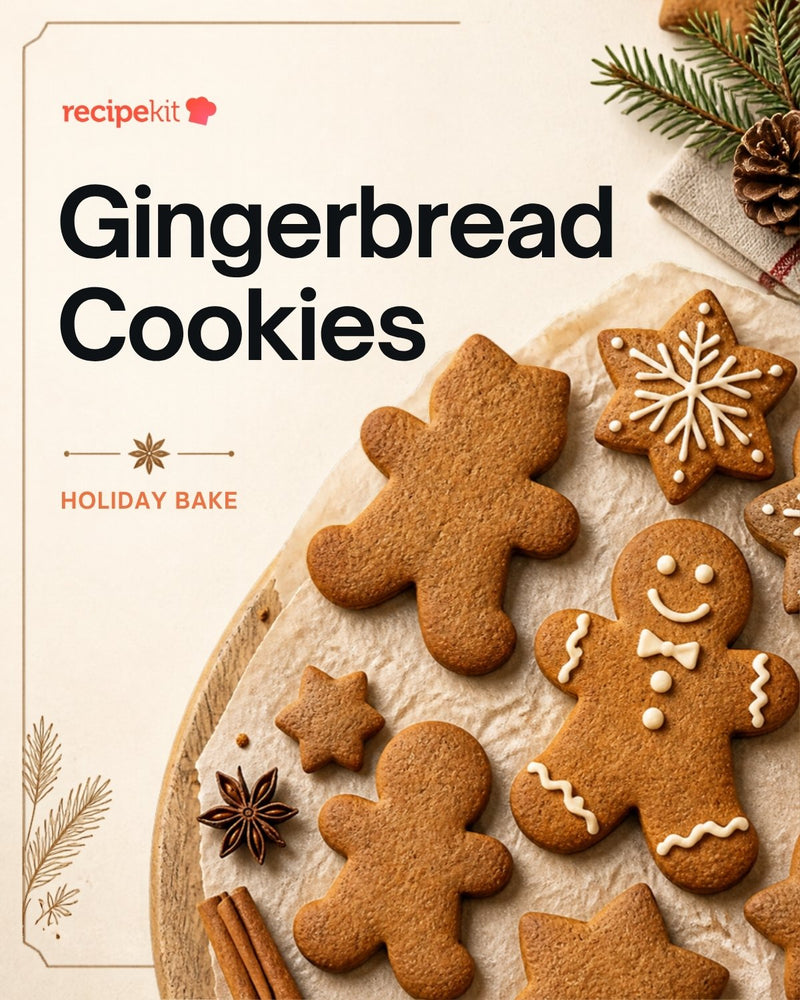
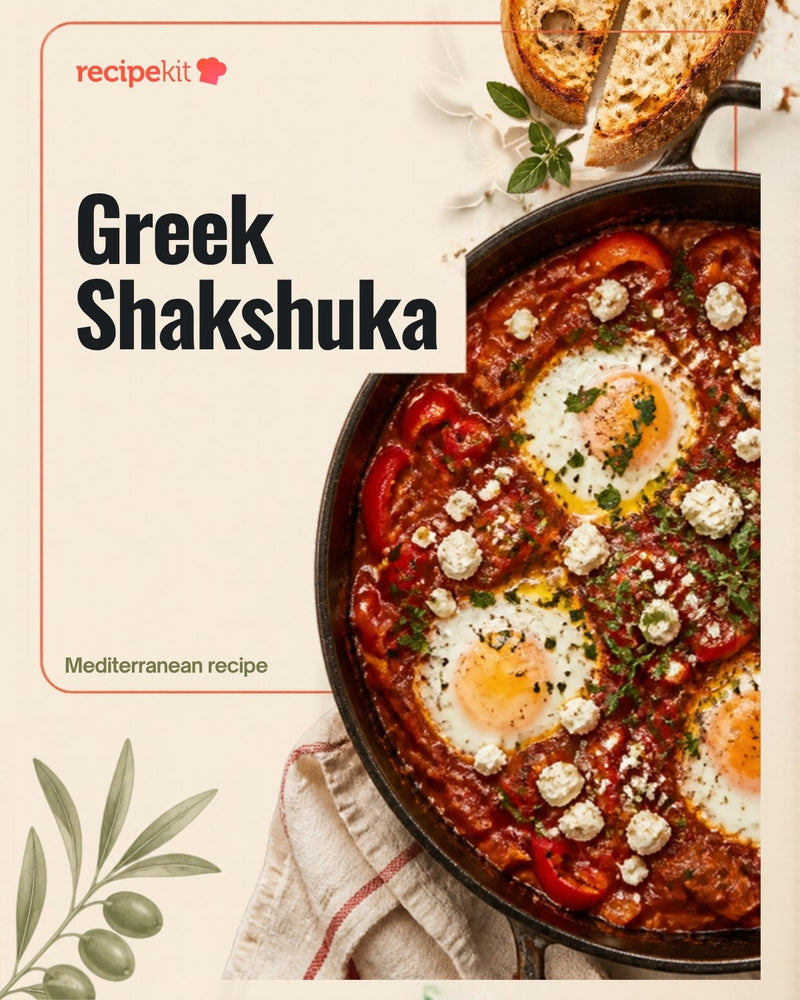
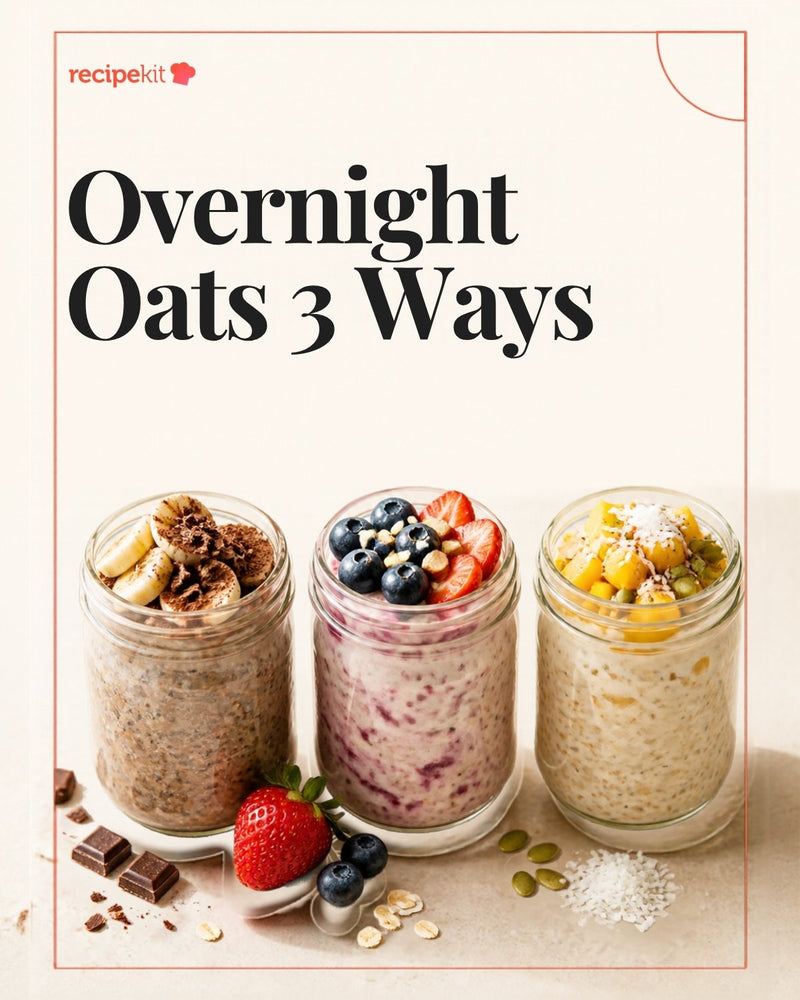
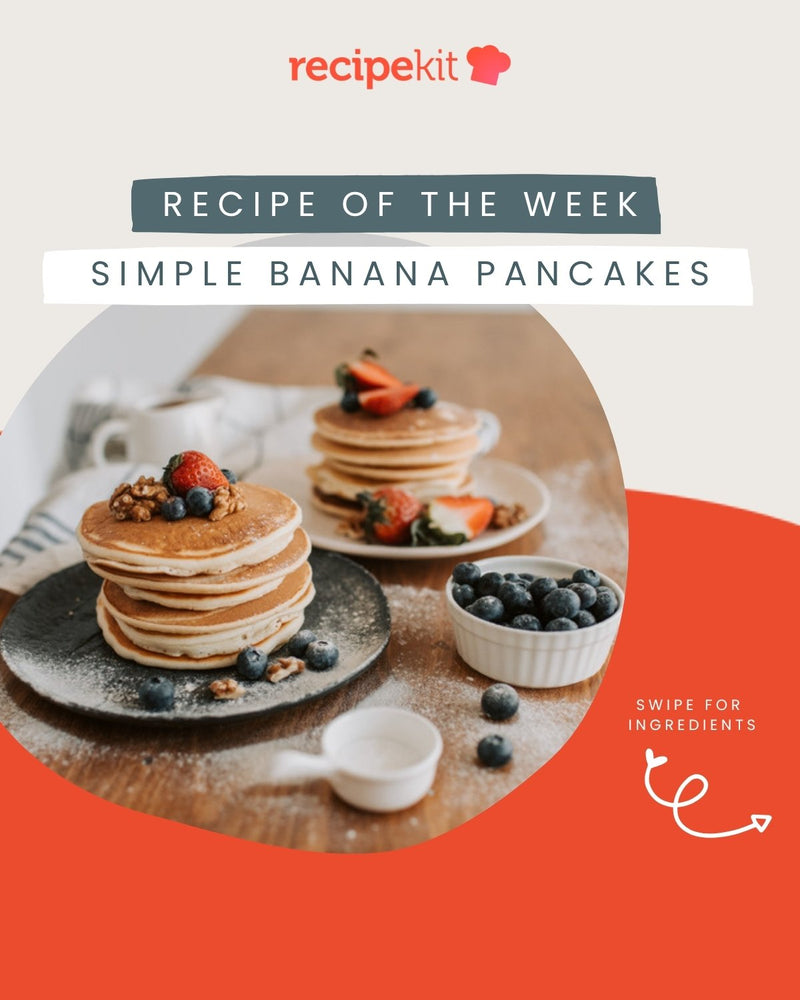
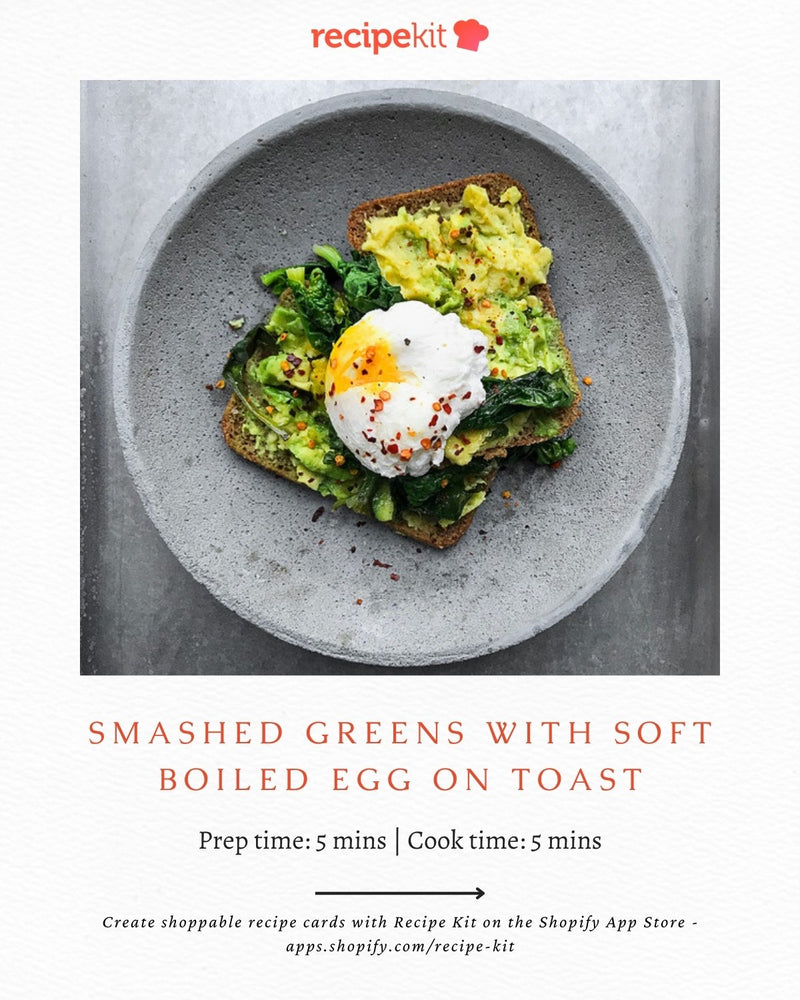
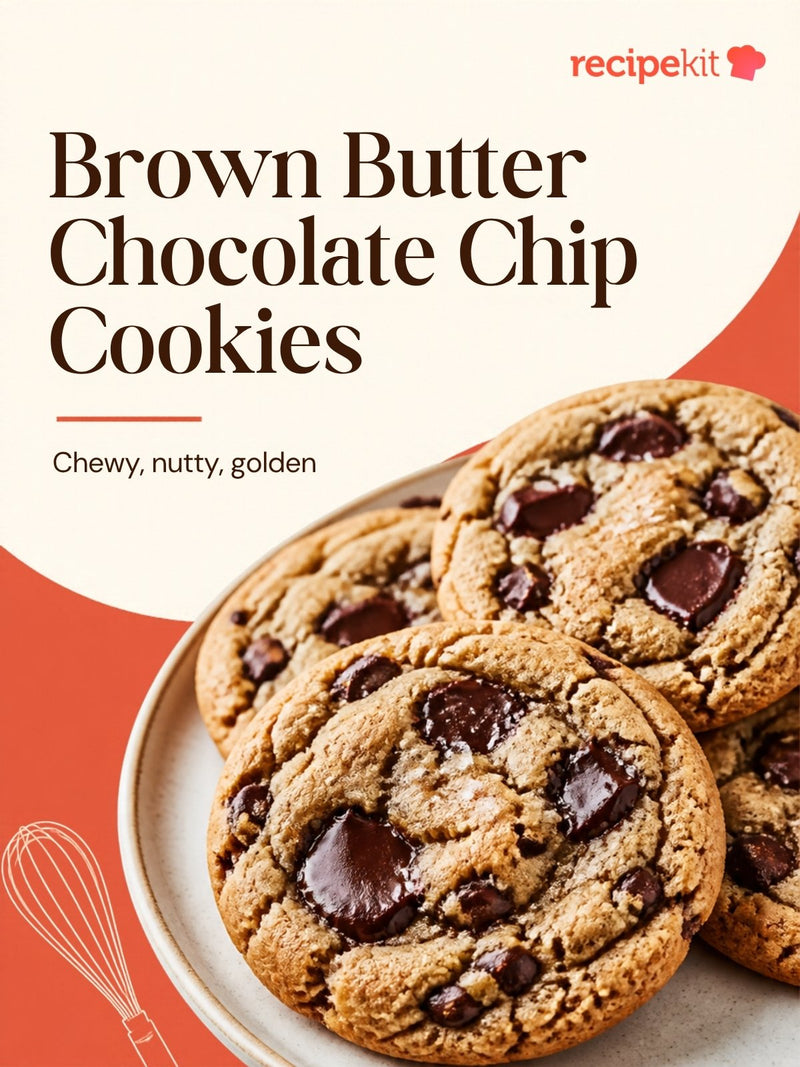
Carousel
Instagram Recipe Carousel Template – Brown Butter Chocolate Chip Cookies
3:4 Social Recipe Card Templates
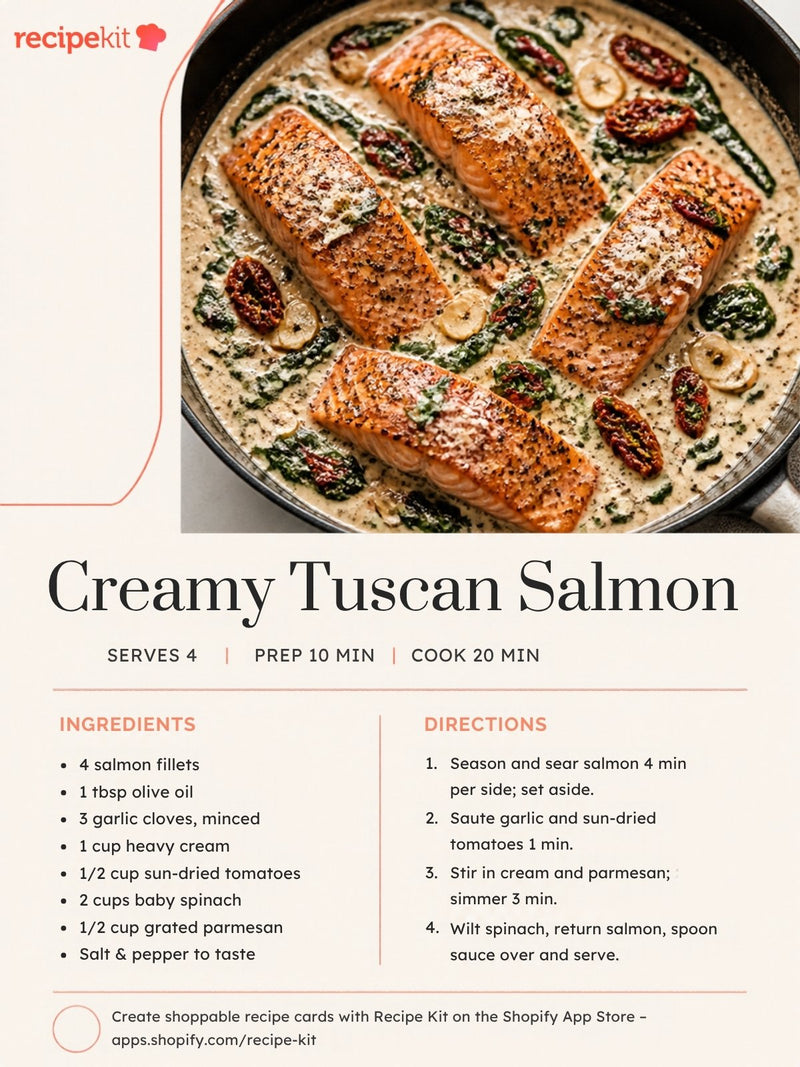
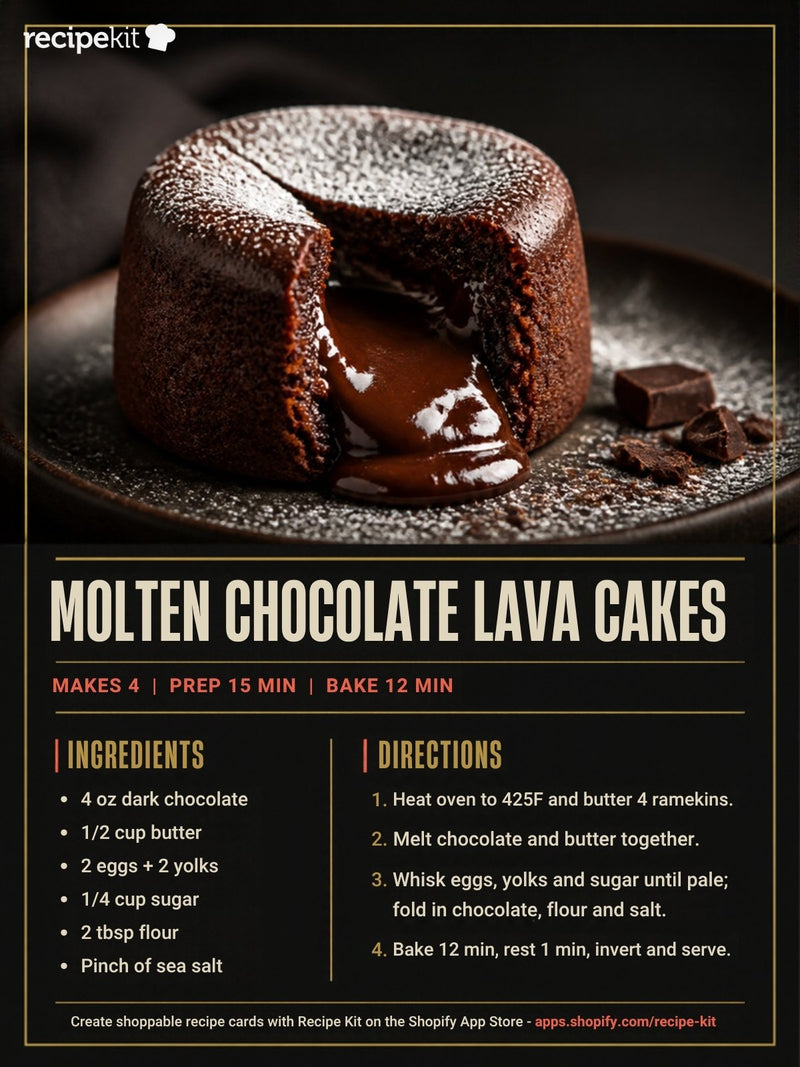
Social card · 3:4
Editable Social Recipe Card Template – Molten Chocolate Lava Cakes
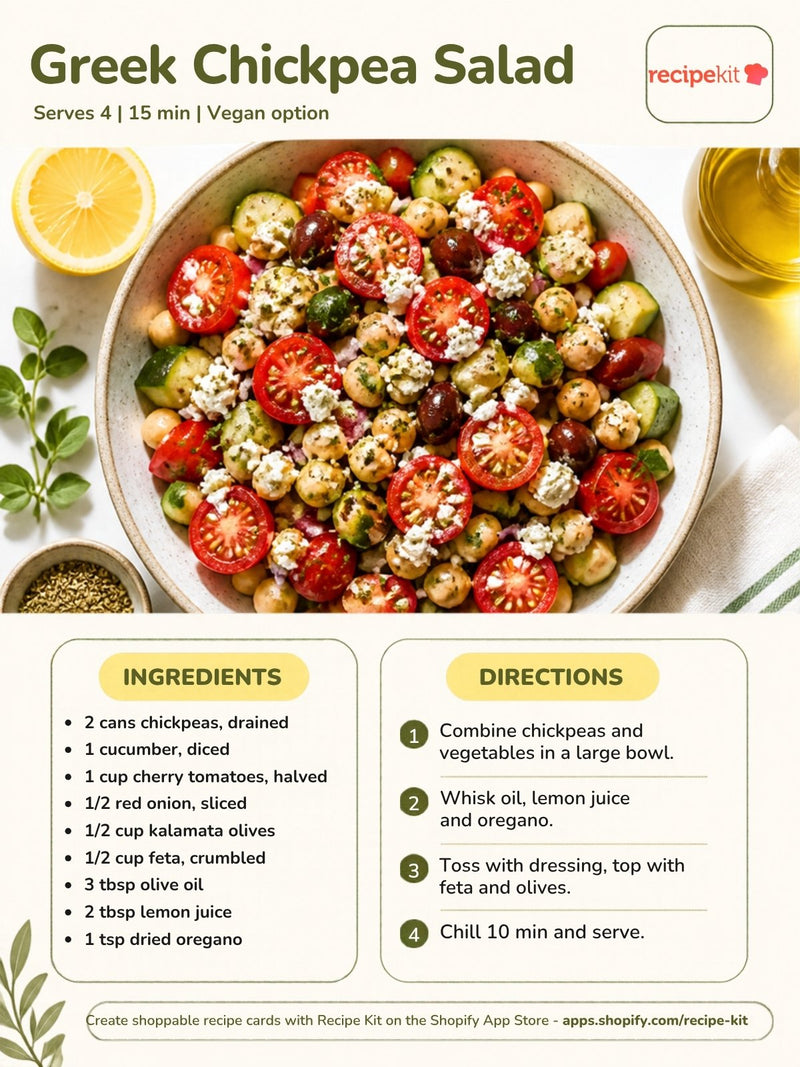
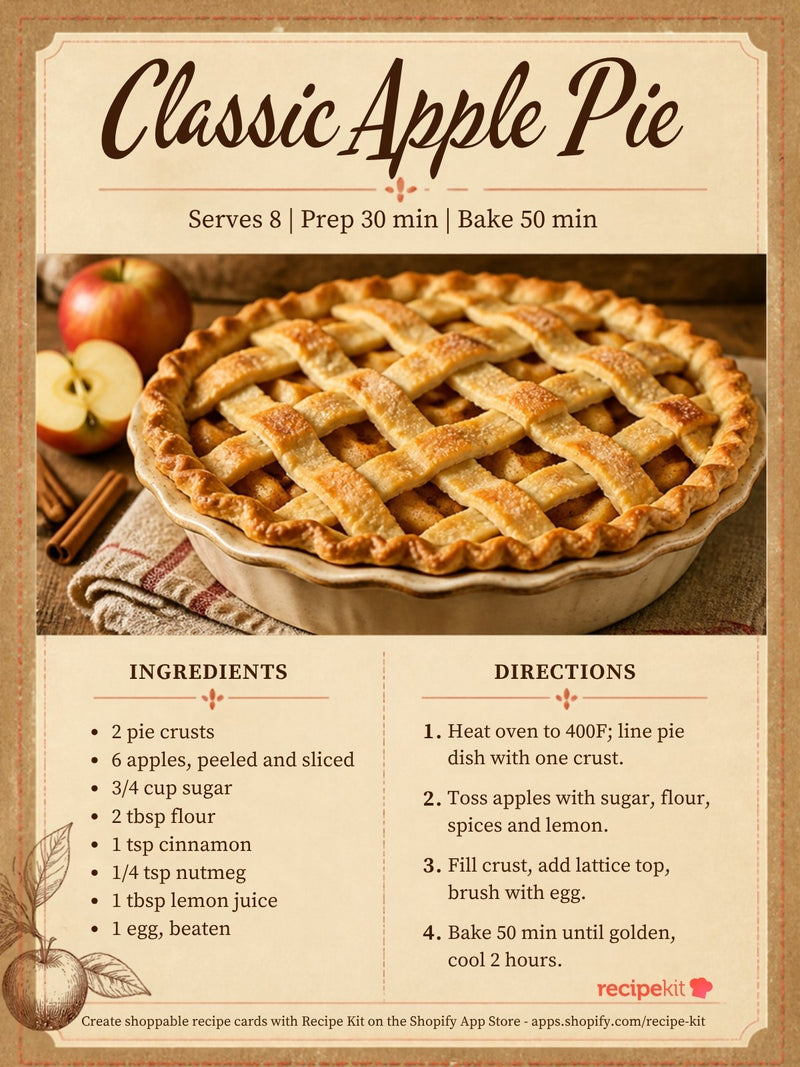
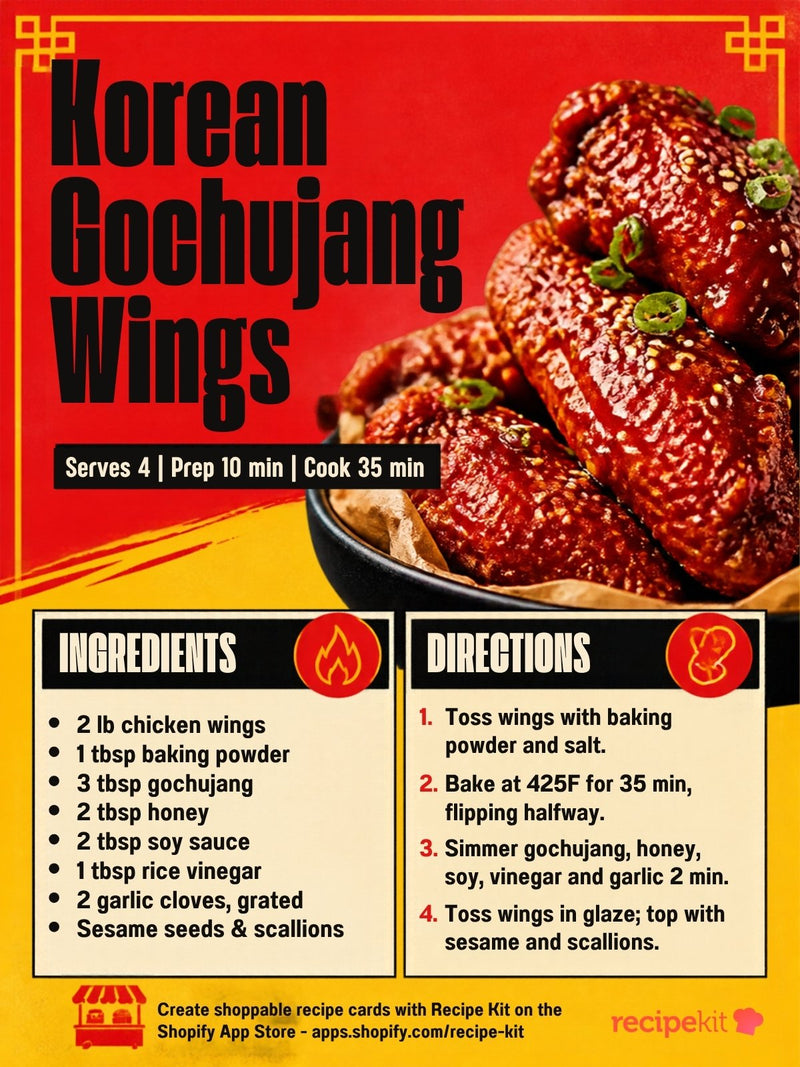
Social card · 3:4
Editable Social Recipe Card Template – Korean Gochujang Wings
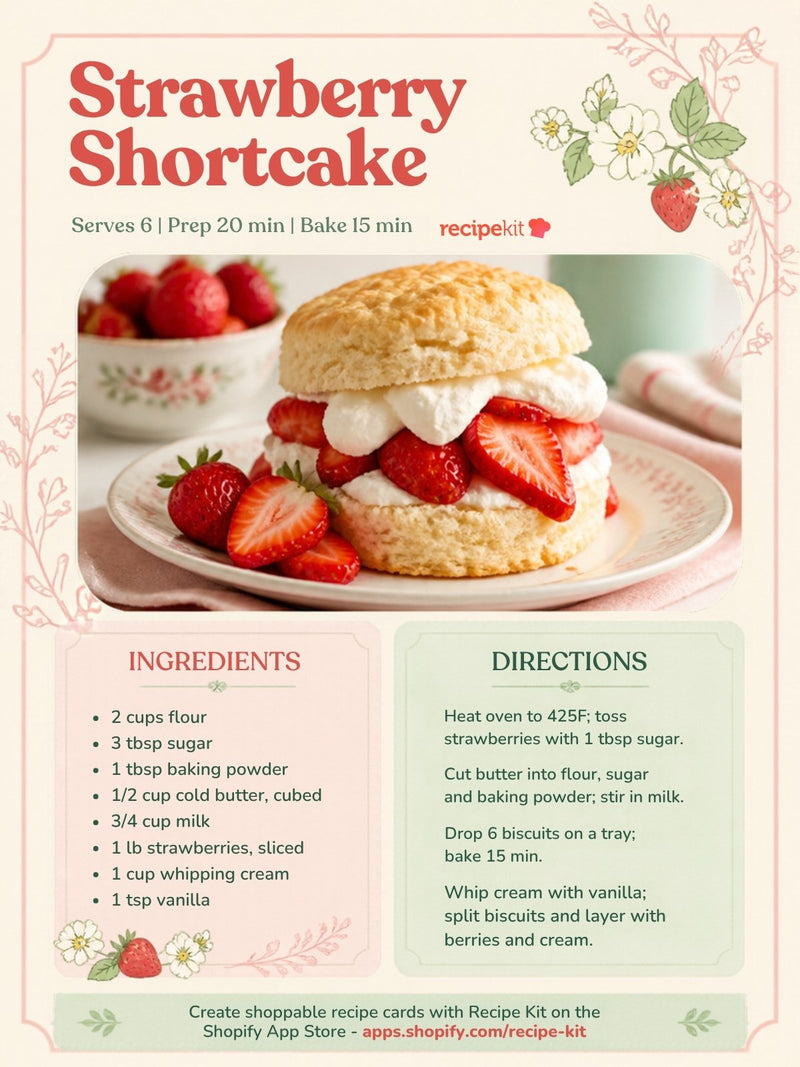
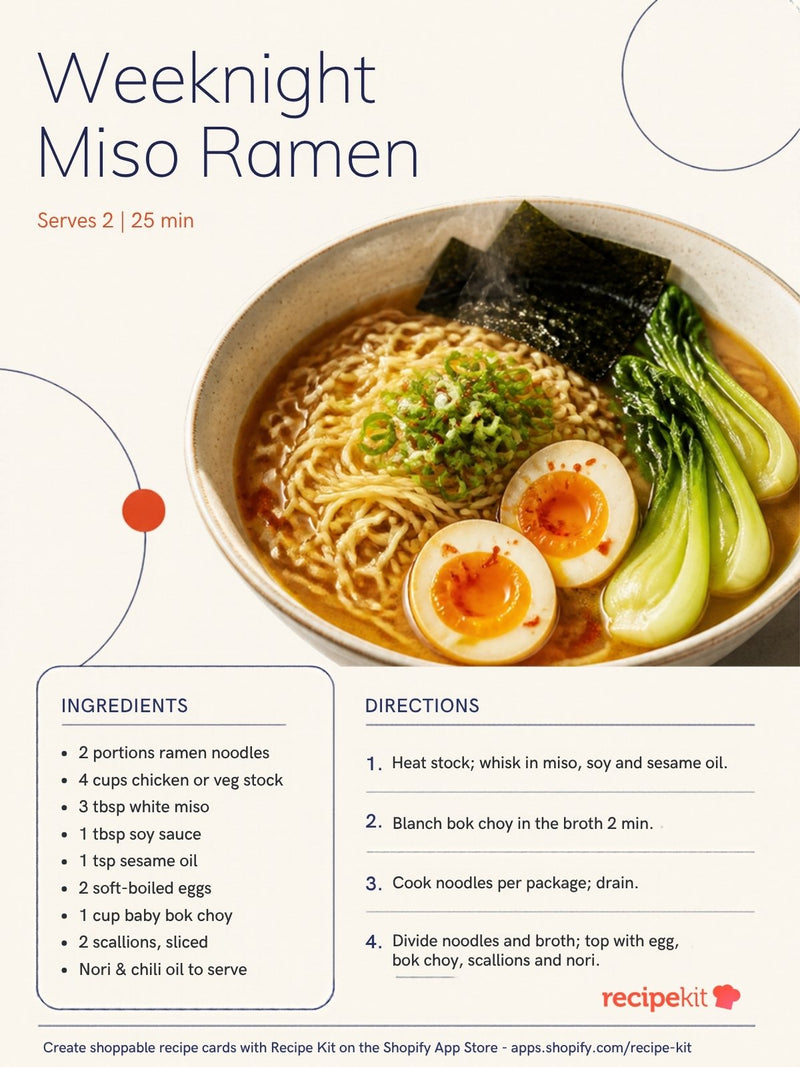
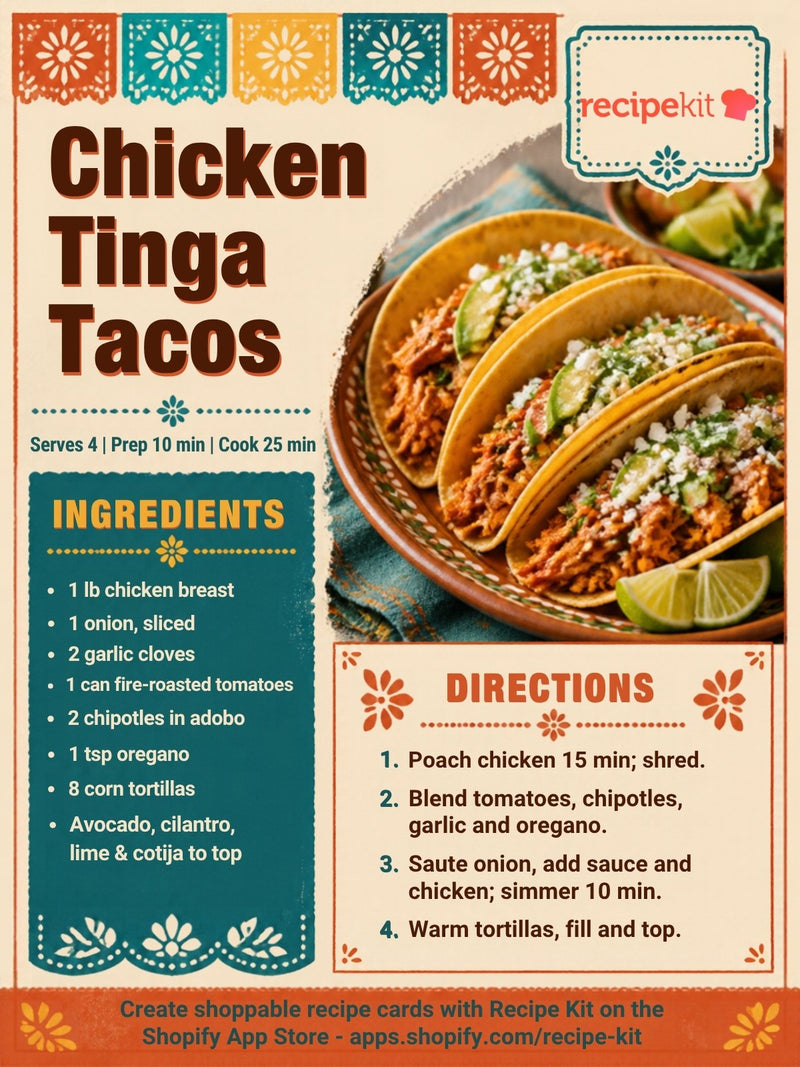
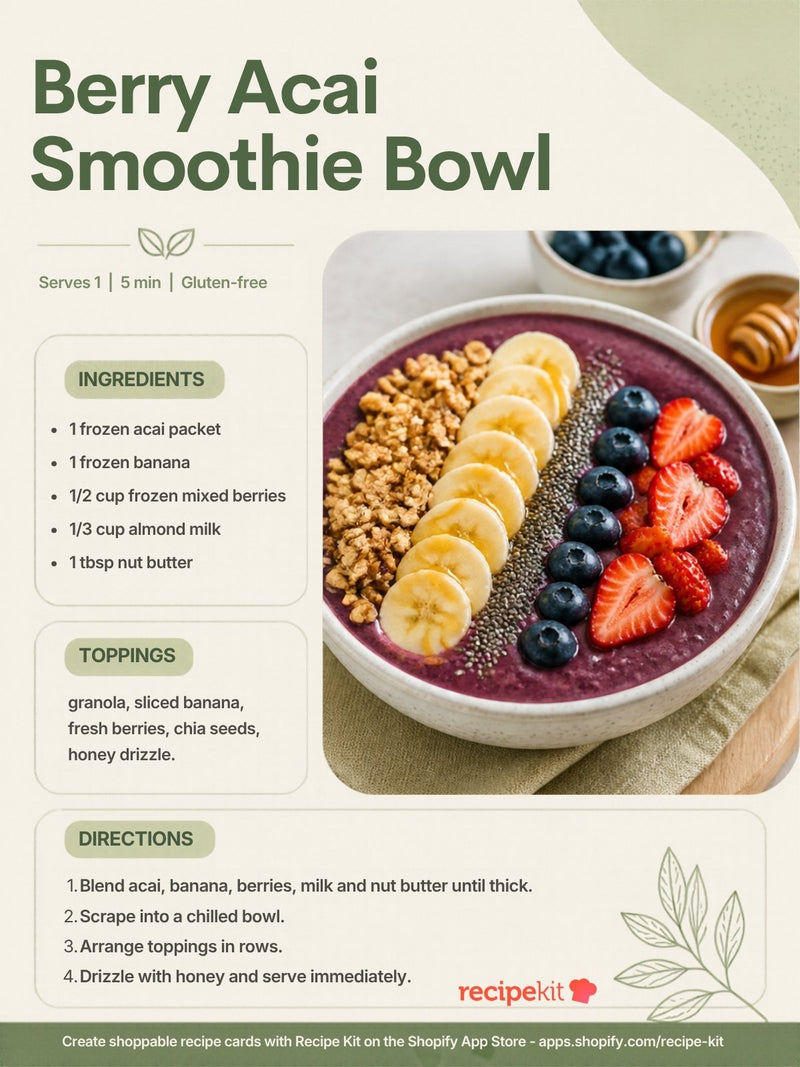
Social card · 3:4
Editable Social Recipe Card Template – Berry Acai Smoothie Bowl
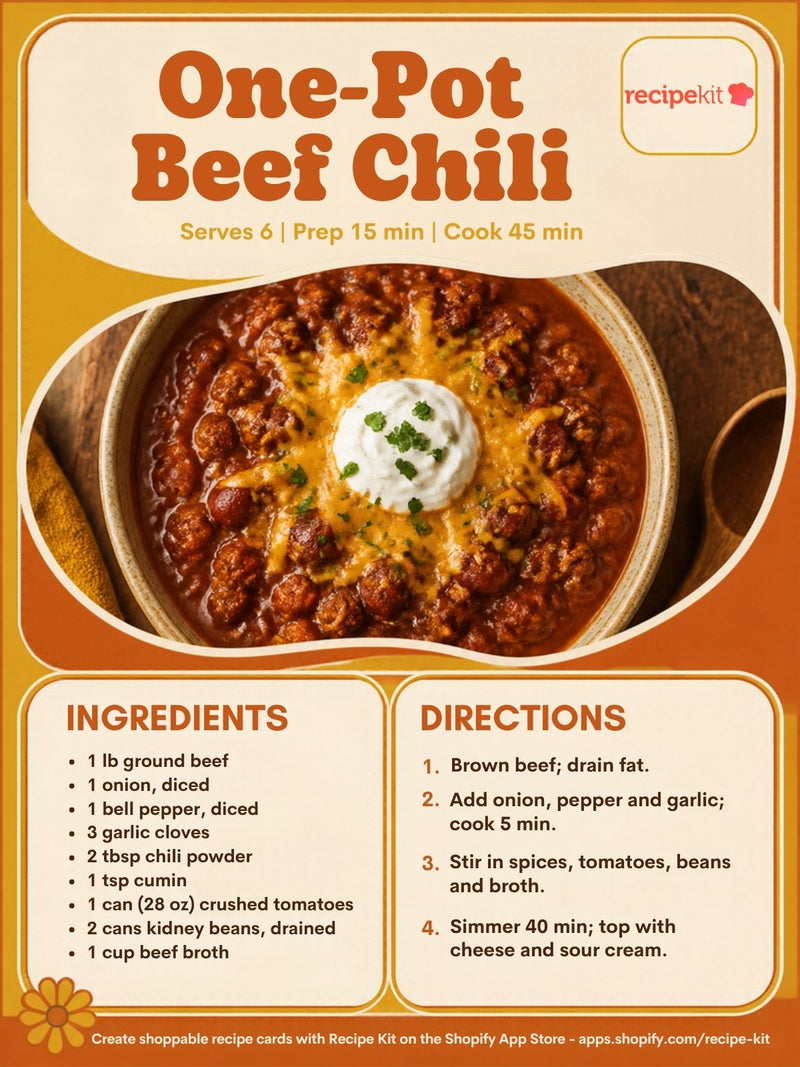
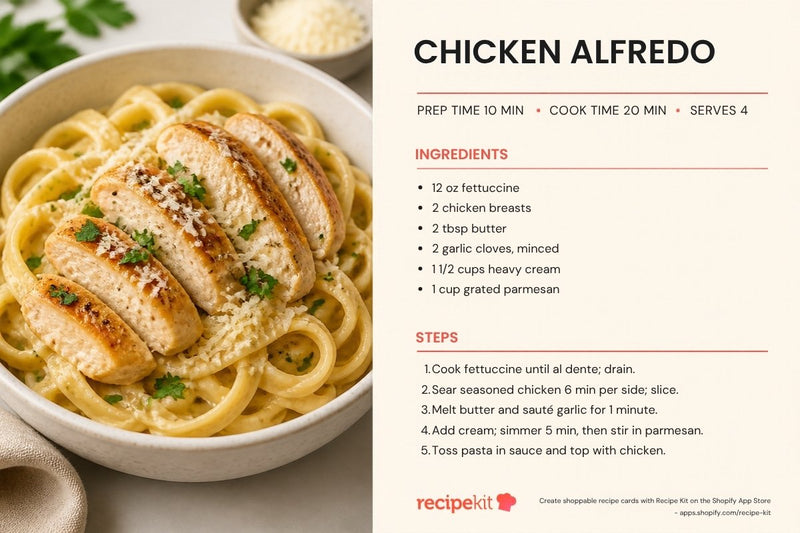
Printable 4x6 Recipe Card Templates
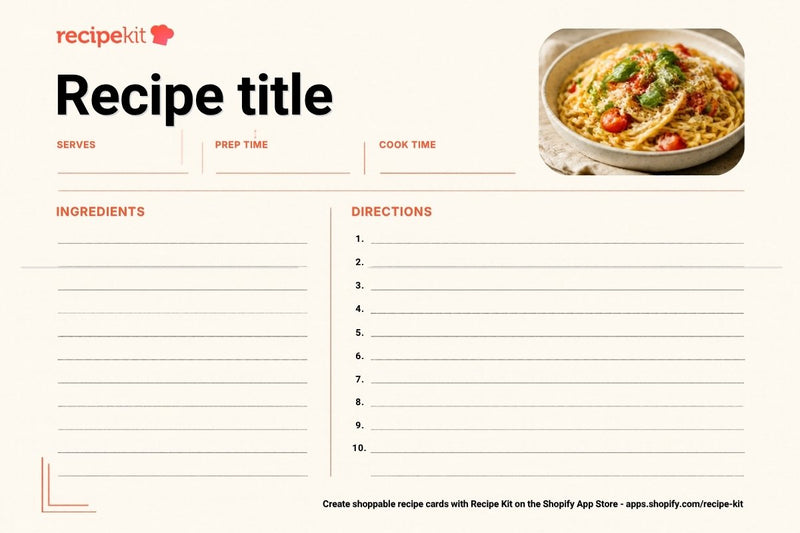
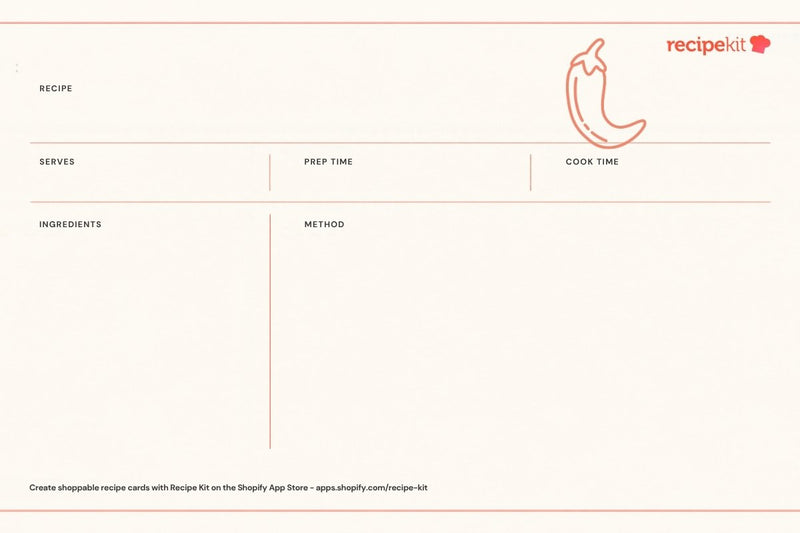
Printable 3x5 Recipe Card Templates
Recipe card · 3×5 layout
Editable 3x5 Recipe Card Template – Ingredient Checklist
Printable Recipe Pages and Card Sheets
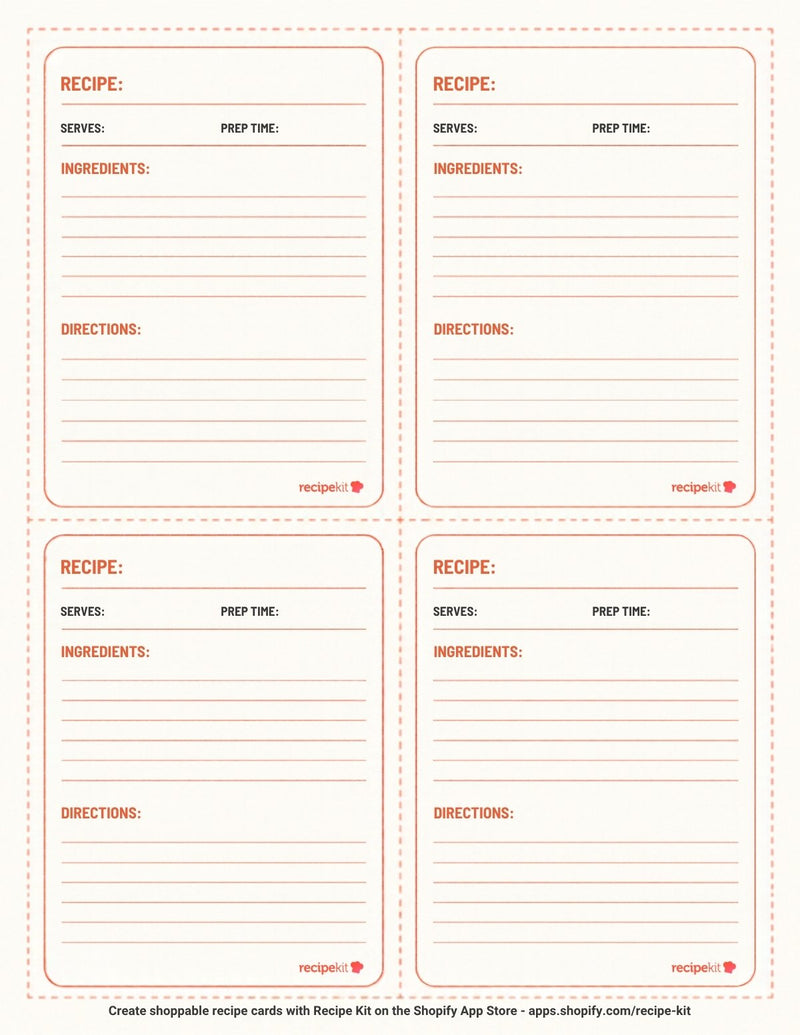
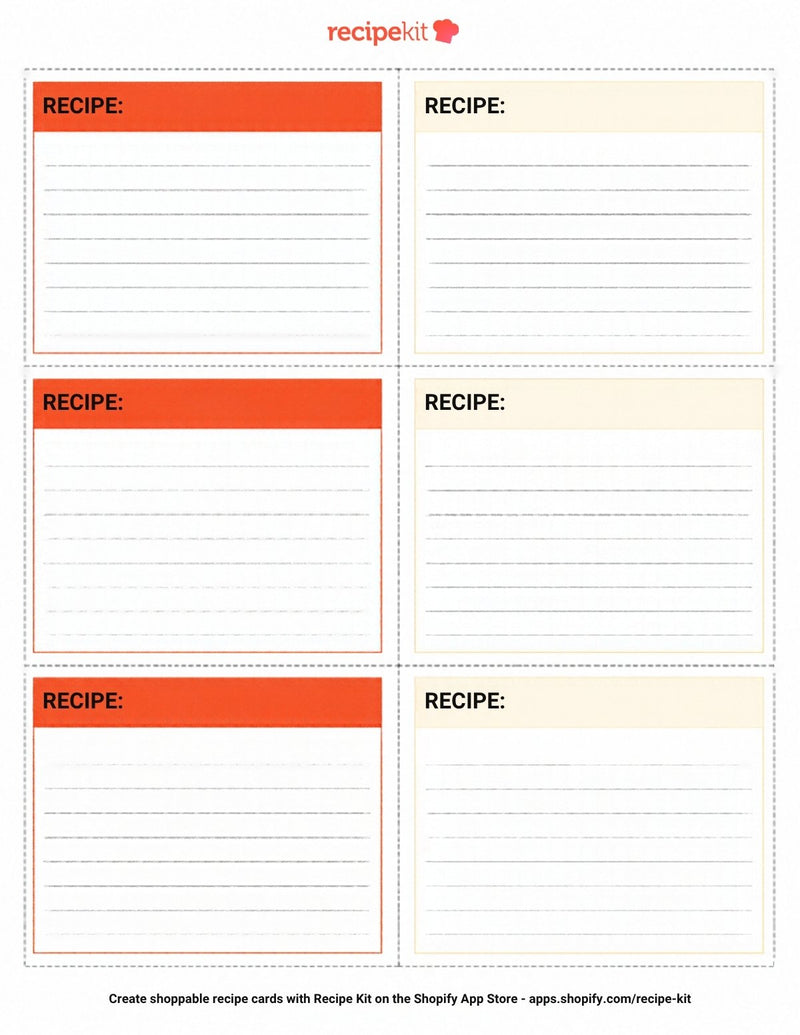
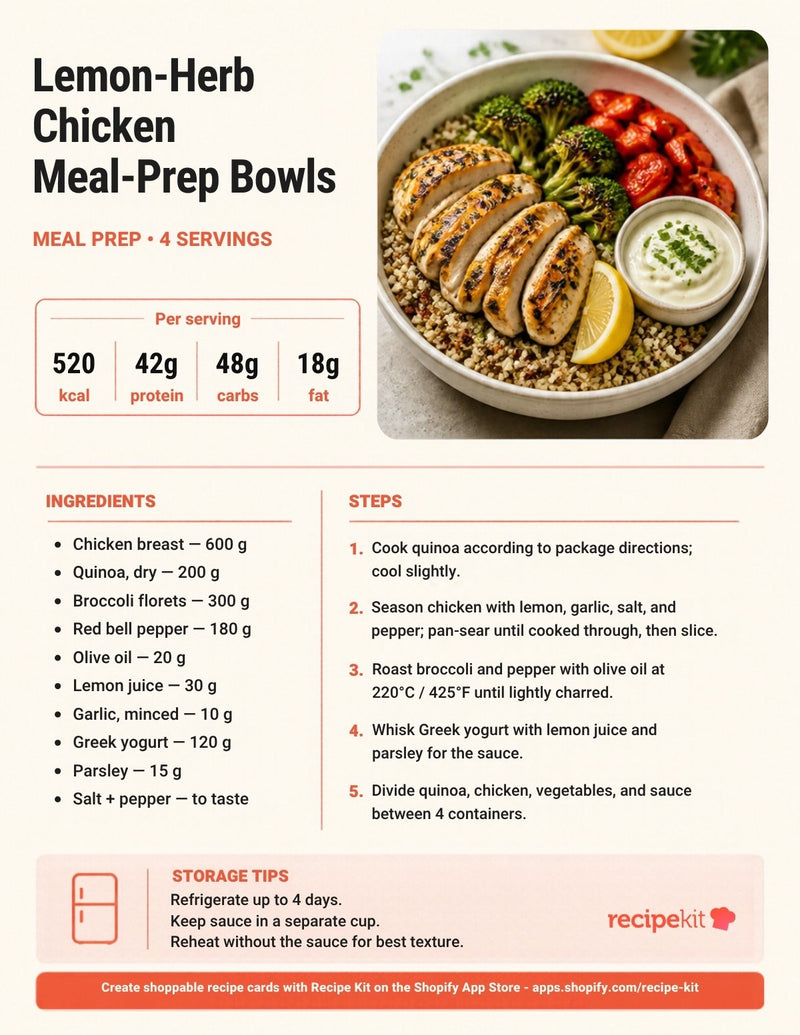
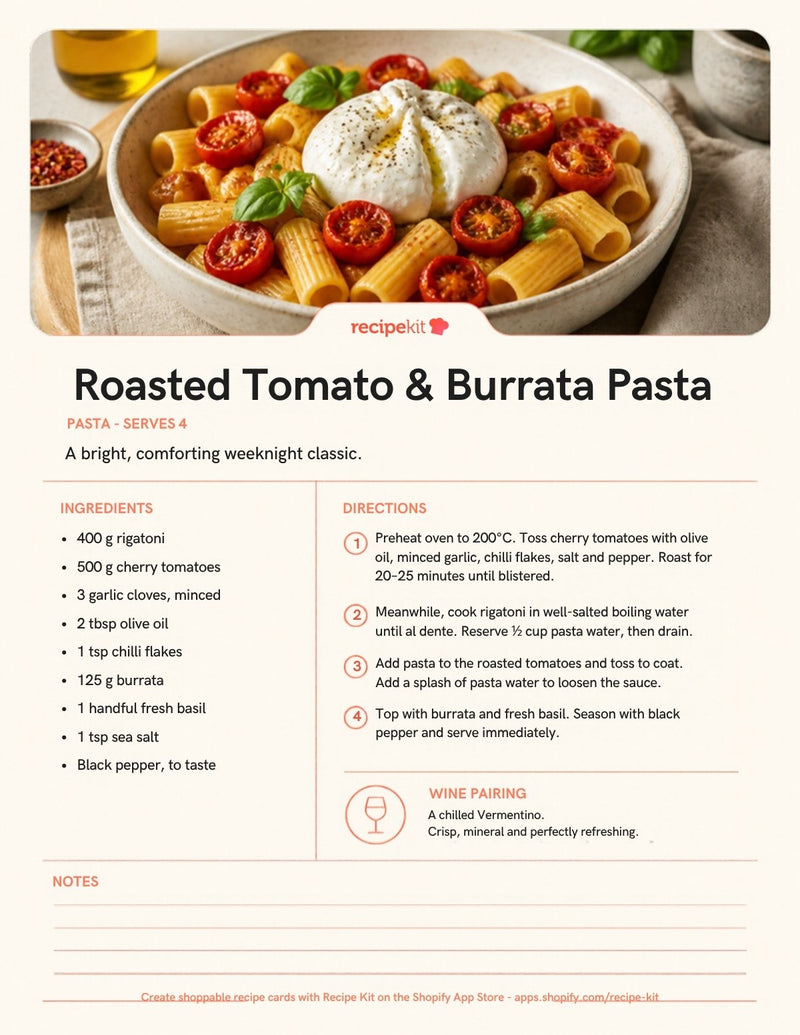
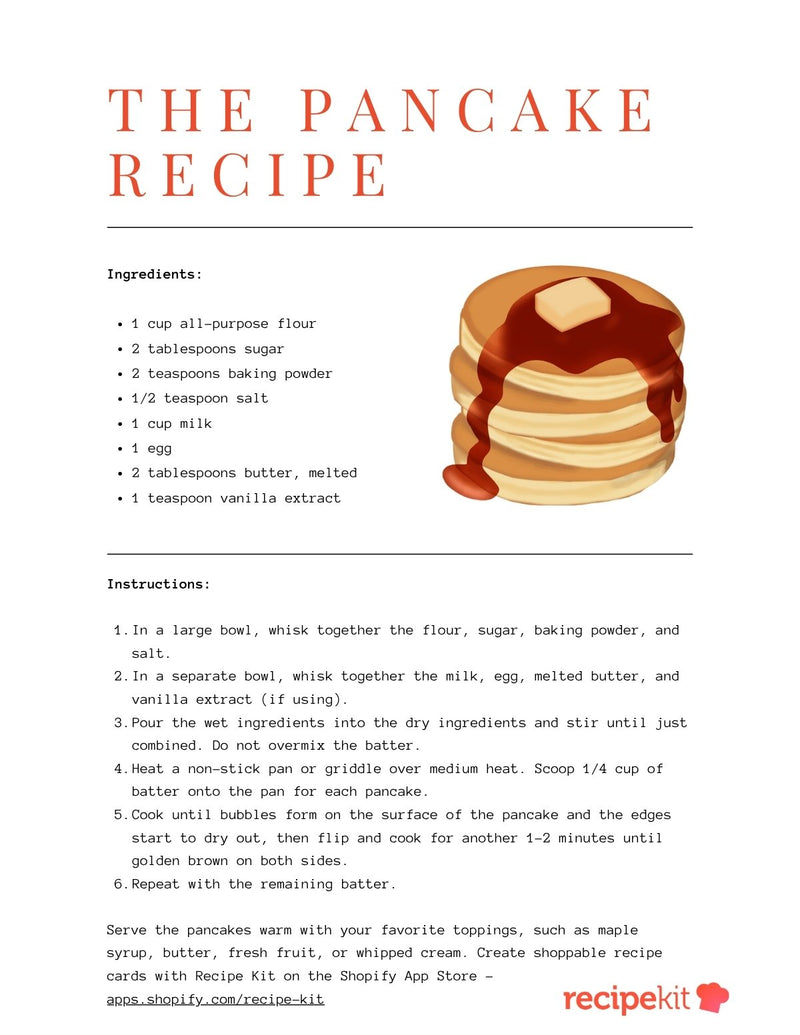
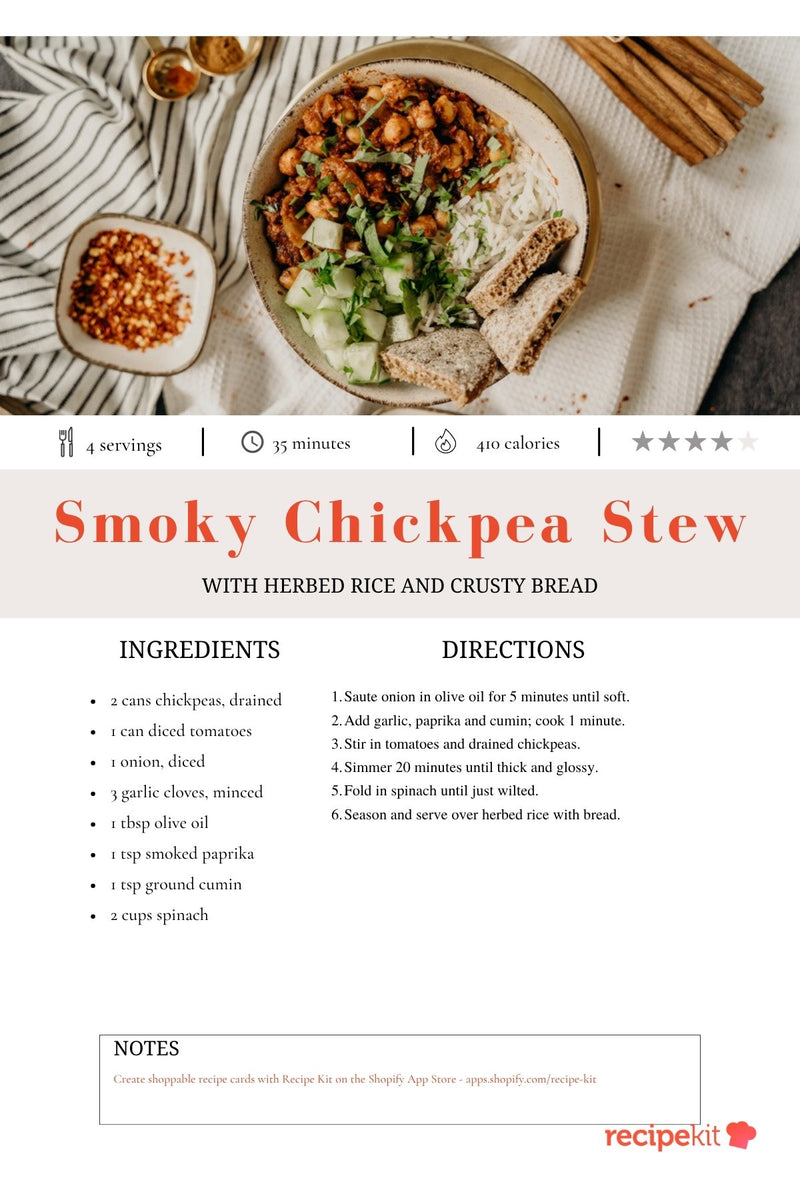
A6 Photo Recipe Card Template
Previews show the first page of each design; carousels may include more slides. Check canvas dimensions and any Canva asset licensing before you print or share your finished design.
How to choose a recipe card size
4x6 recipe cards give a short recipe more breathing room and work well in many recipe boxes. 3x5 recipe cards are compact: choose them for simple ingredient lists and brief directions. For longer methods, meal-prep notes or a family recipe binder, use a full-page recipe template instead.
A6 and 4x6 are close but not interchangeable. Social layouts labelled 3:4 describe an aspect ratio, not a 3-by-4-inch print size. Check the actual canvas dimensions in Canva, export a PDF for printing and test at 100% scale before making multiple copies.
How to use your Canva recipe template
- Choose the format. Pick a card for a short recipe, a printable page for a binder or handout, or a carousel to spread the steps across social slides.
- Make it yours in Canva. Open the template link and save your own copy. Replace the example text and photos, then add your logo, colours and product details.
- Check the recipe. Include servings, preparation and cooking times, ingredient quantities and clear steps. Test the recipe before sharing it with customers.
- Export for its destination. Use JPG or PNG for a digital image, or a PDF for printing. Confirm the canvas dimensions and printer settings, and make a test print before producing a batch.
Prefer to type a recipe and print without designing in Canva? Use our free interactive recipe card maker.
Turn the recipe into a shoppable page on Shopify
A Canva design works well for a handout, download or social post. On your store, customers also need a recipe they can read, cook from and shop.
RecipeKit for Shopify helps you publish recipe cards with Recipe Schema. On the Growth plan, connect ingredients to the products you sell and add ingredient-level add-to-cart buttons. Use your Canva design to introduce the dish, then send shoppers to the full recipe on your store.
More free recipe tools and marketing guides
Build your recipe workflow with our free recipe tools. Estimate nutrients with the recipe nutrition calculator, prepare structured data with the free Recipe Schema generator, and review your store with the Shopify recipe SEO audit.
For food brands, read how recipe cards help customers use your products and our guide to repurposing recipe content across channels. A printable or social image supports your content; it does not replace a readable recipe page on your website.
Canva recipe template FAQs
Editing, printing and using your recipe designs.
Are these recipe card templates free?
The library is free to browse, and each button opens an editable Canva recipe template. You will need a Canva account to save your copy. Canva may charge for premium assets or paid features you choose to add.
How do I edit a recipe card template in Canva?
Choose a design and select Open in Canva. Open your own copy, then replace the sample recipe, photo, colours and logo. Check ingredient amounts, cooking times and every instruction before you export it.
Which recipe card template is printable?
Choose the 4x6 or 3x5 recipe cards for a recipe box, or the printable recipe pages and card sheets for a binder or handout. Check the actual canvas dimensions in Canva and export a PDF for print. A6 is not exactly 4x6, and a 3:4 social design is an aspect ratio, not an inch size. Always make a test print.
Can I use these templates for my food brand?
Use an editable recipe card template to present recipes featuring your products, create a social carousel or prepare a recipe handout. Add your own branding and food photography, and check the licence for any Canva assets you use before distributing the finished design.
Will a Canva recipe card add Recipe Schema to my Shopify store?
No. A JPG or PDF is a visual design, not a structured recipe page. RecipeKit for Shopify publishes recipe cards with Recipe Schema. Ingredient product links and add-to-cart buttons are available on its Growth plan. For a quick printable without Canva, try the interactive recipe card maker.