

Product links
Any ingredient can link to a product in your store, on every plan.
Every ingredient, one tap from the cart.
Link each ingredient to a product in your Shopify store. Cooks add what they need to your cart and pay in your own Shopify checkout, without leaving the recipe.
Ingredients
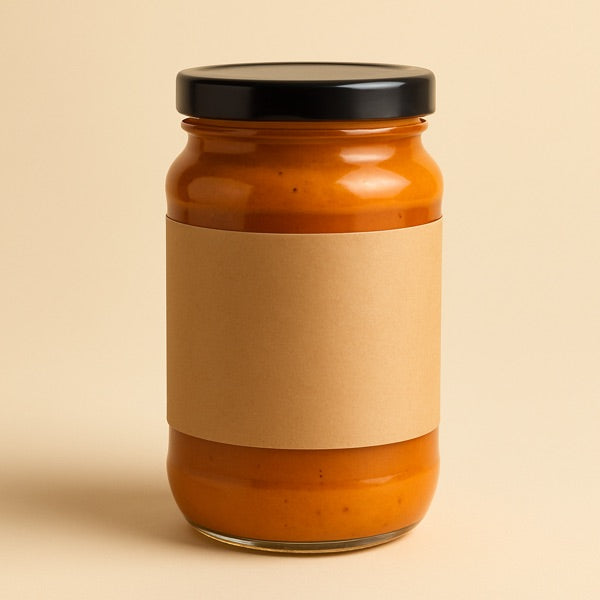
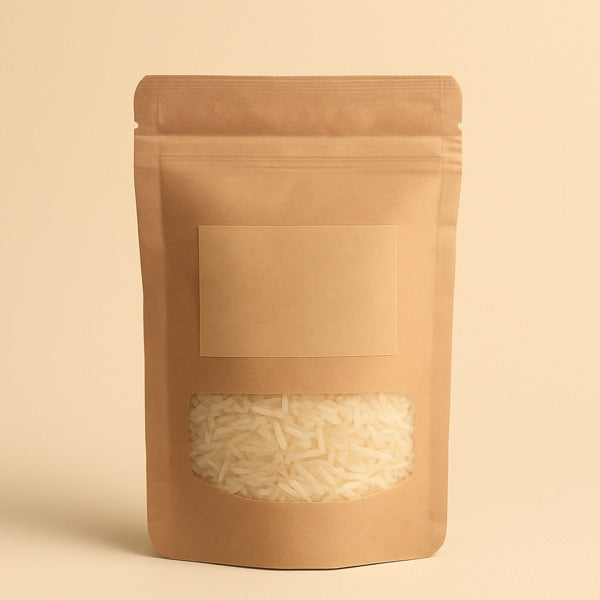
Added from Coconut Curry Tofu Bowls
Any ingredient can link to a product in your store, on every plan.
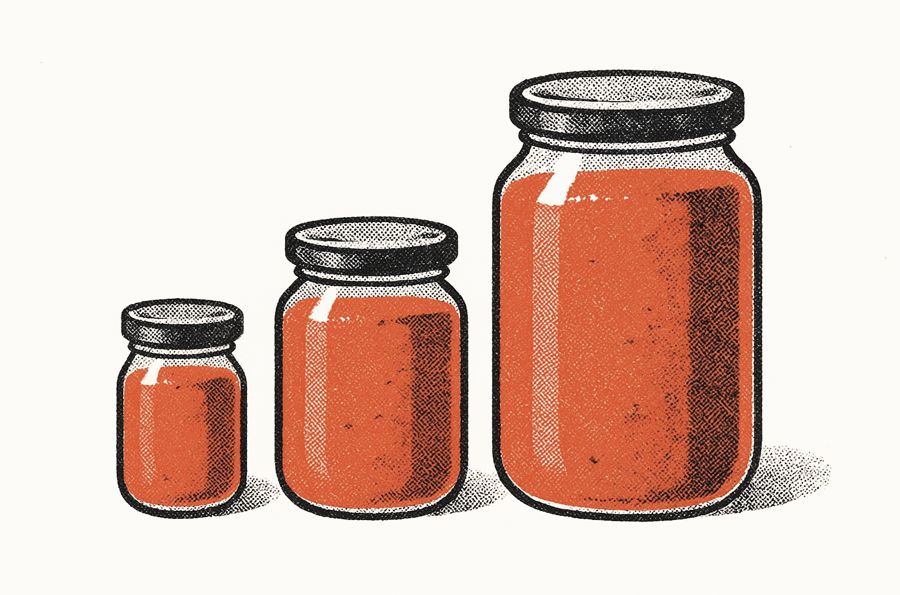
Choose the size or flavour that fits the recipe.
 Growth
One tap puts every linked product in the cart.

Shoppers buy through your Shopify cart. Nothing extra to set up.
From recipe to Shopify checkout.
Three steps. No code.
Search your Shopify catalog and attach a product to each ingredient. No URLs or code.
Every linked ingredient gets its own Add to cart. Turn on Add all to cart to add the whole list at once.
Shoppers check out in your normal Shopify cart. Recipe Kit tracks what each recipe sold.
Link the way your store sells.
Choose which variants shoppers can pick. Price and stock come live from your store.
Turn on Add all to cart and one button adds every linked ingredient to the cart.
Views, add-to-carts and revenue from Shopify orders for every recipe, on the Growth plan.
How recipe analytics work olivelle.com
Recipes are a foundational part of how we grow Olivelle because they help customers see the value of our products, feel confident using them, and continue incorporating them into their everyday cooking.
Recipe Kit data, 90 days to August 2026.
Questions, answered.
Yes. Link any ingredient to a product in your store and choose which variants shoppers can pick.
Yes. Add to cart puts products in your store's own cart. Shoppers pay in your normal Shopify checkout, not a separate one.
Yes. Each time a recipe loads, it reads price and availability from your store. There is nothing to update by hand when a price changes.
Yes. Turn on Add all to cart in your settings. One button then adds every linked ingredient to the cart.
No. Recipe Kit adds its recipe card as a Shopify theme app block. You add the block once in your theme editor, with no code. Everything after that happens inside the app. Online Store 2.0 themes work out of the box. Older themes need one code snippet.
Growth, at $40/month, and up. Growth includes shoppable ingredients, revenue tracking and automatic translations. Paid plans include a 14-day free trial.
Make your next recipe shoppable.
Free plan available. Shoppable ingredients are on Growth, $40/month, with a 14-day trial. Billed through Shopify.