

Card Vertical design
The Card look in a single column. Ingredients and directions stack one after the other, with dividers between sections.
When to use the Card Vertical design
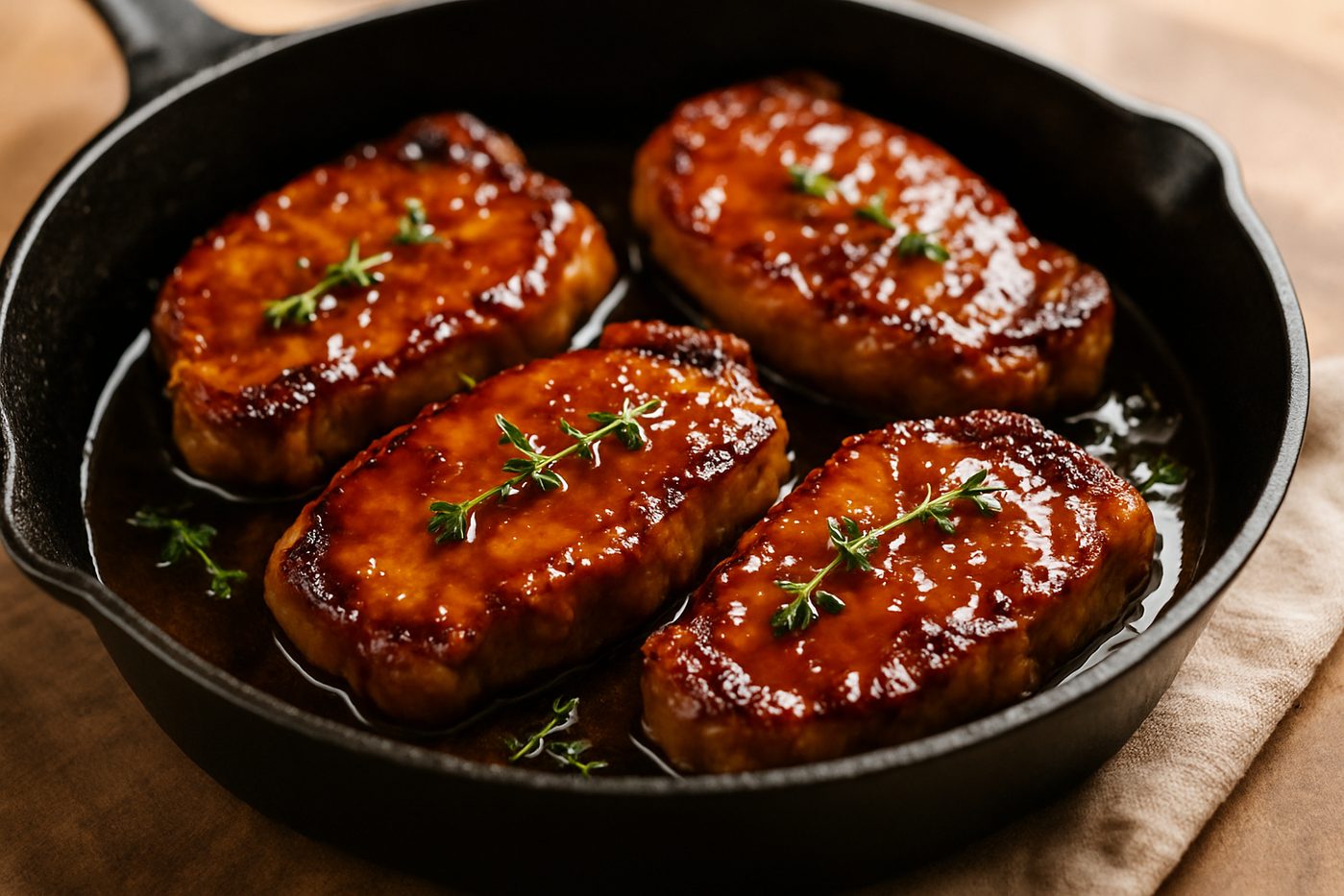
Card Vertical keeps the framed look of Card but puts the recipe in one column. The photo sits beside the title and details. Ingredients, directions and notes follow in order, with a divider line between each section.
A good fit for: long recipes with many steps, narrow page layouts such as blog posts, and brands that want a clear top-to-bottom reading order.
What you get: an optional border around the card, dividers between sections, and a layout that reads the same way on phones.
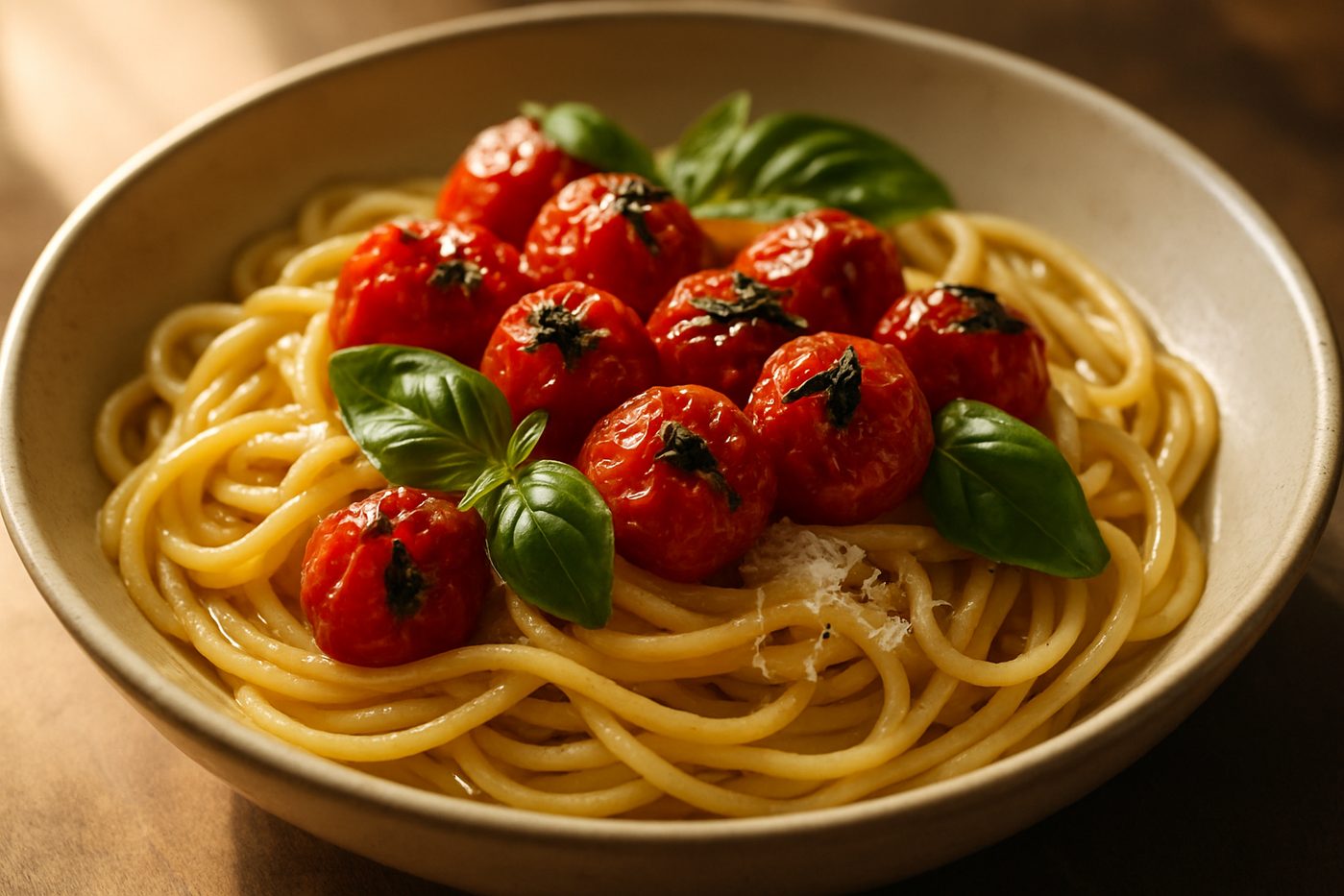
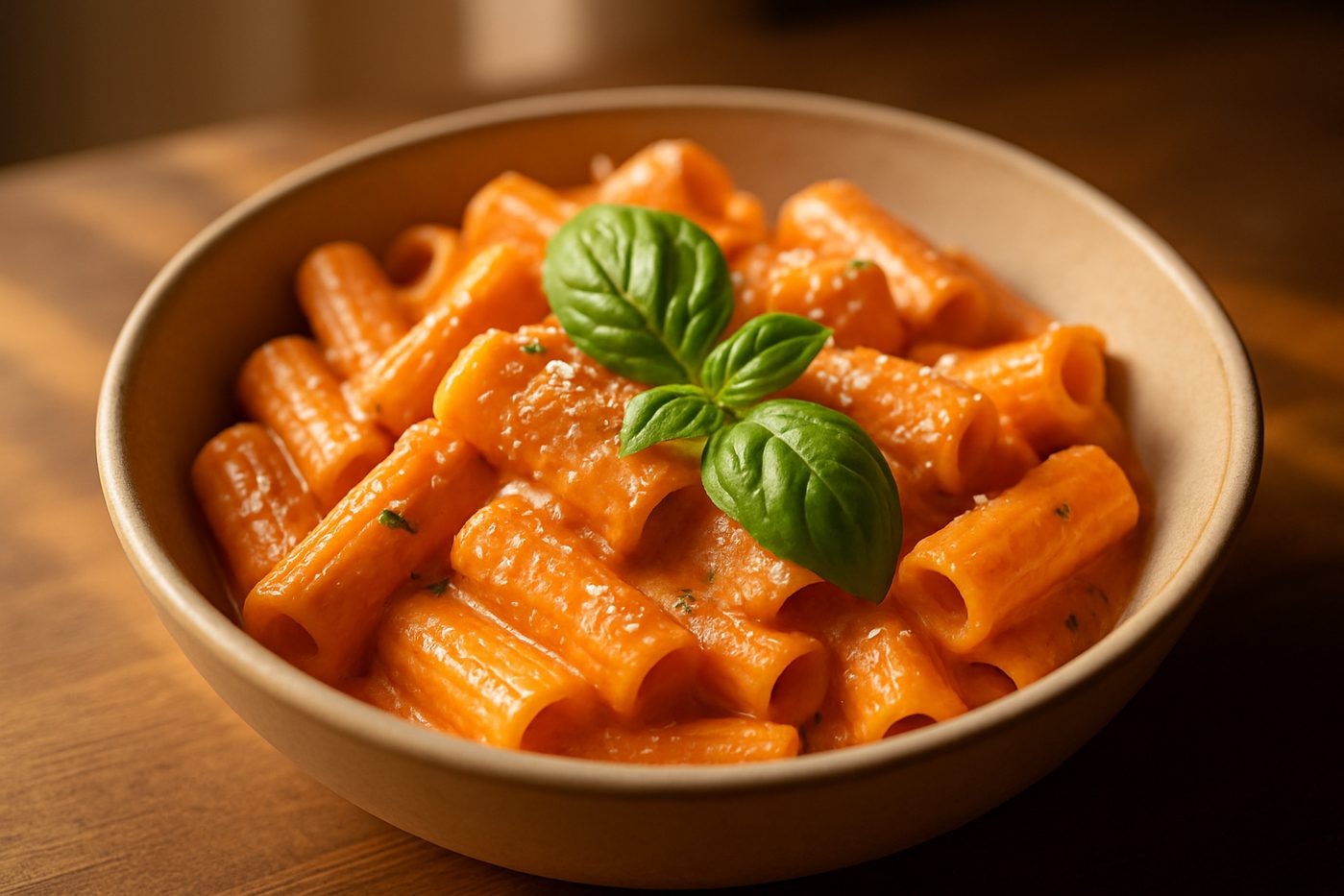
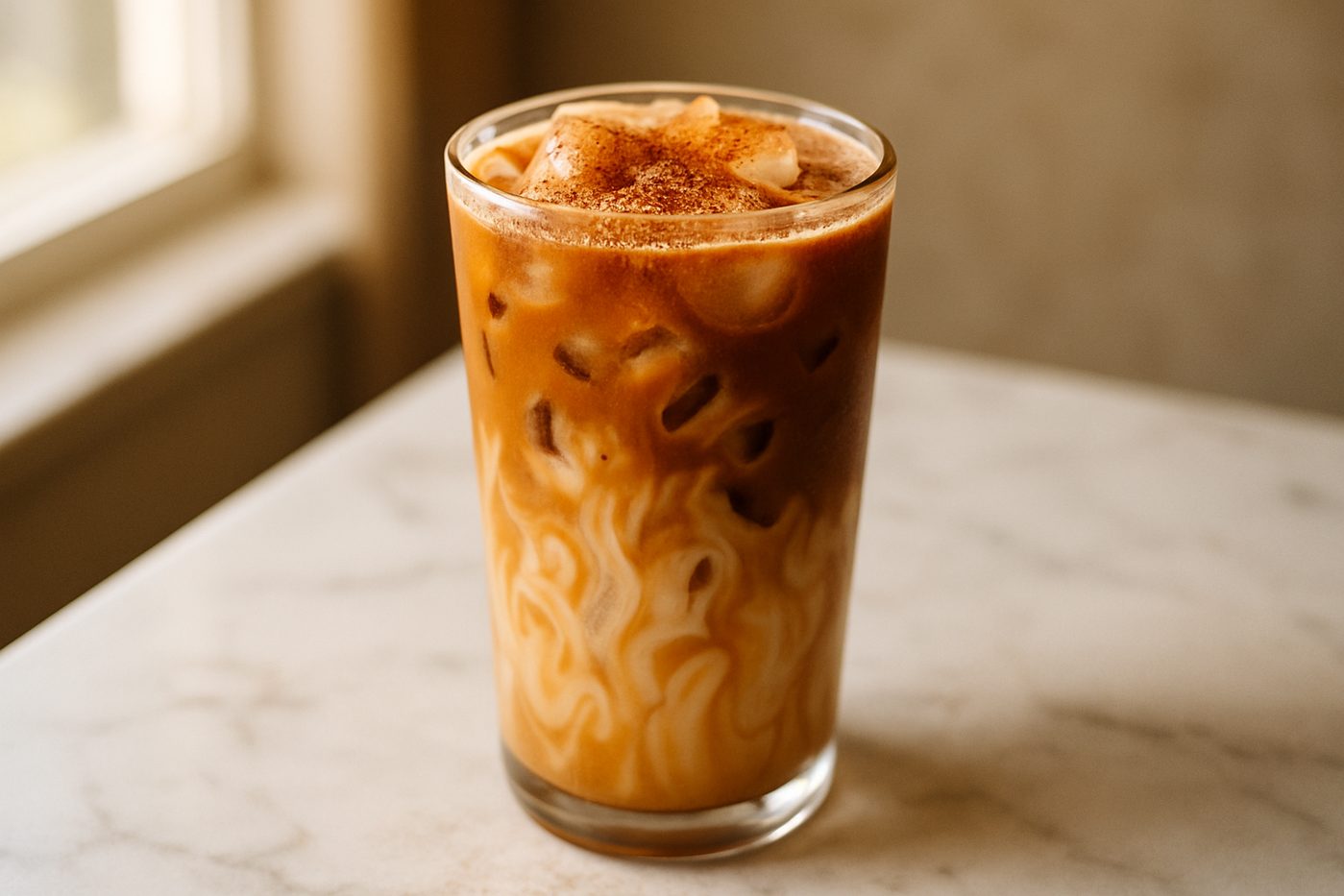
Explore the other designs.
Pick one design for your whole store. Switch any time, on any plan.

Questions about design.
Common questions about this recipe card design
How does the Card Vertical design look on phones?
Card Vertical is already a single column, so it reads the same way on phones. On small screens, the photo and details stack too.
Can I change the colours in the Card Vertical design?
Yes. Pick one accent colour for buttons, borders and links. The card uses your theme's fonts. You can also turn a border around the card on or off. For finer changes, add custom CSS in the app.
Is Card Vertical good for long recipes with many steps?
Yes. Each section gets the full width of the card, and dividers help cooks find their place. Turn on click to check in the app, and cooks can tick off ingredients and steps as they go.
Can I switch between recipe designs?
Yes. Recipe Kit has six designs: Hero, Editorial, Classic, Compact, Card and Card Vertical. You pick one for your store, and every recipe uses it. You can switch in the app at any time.
Does Card Vertical support shoppable ingredients?
Yes, on the Growth plan. Link an ingredient to a product, and an Add to cart button shows beside it. Shoppers check out through your normal Shopify cart. All six designs support this.
Ready to create beautiful recipes?
Start on the free plan, or try a paid plan free for 14 days.