Beautiful Recipe Cards for Your Shopify Store

Professional recipe layouts that match your brand. Choose from four customizable templates with print-friendly formatting, ingredient checkboxes, and responsive design that looks great on any device.

1,300+ food brands - 14-day free trial
Built for Shopify
Features

Recipe card features

Professional layouts designed for food brands

4 Professional Templates

Choose from Uptown, Sunny, Modern, and Modern Vertical layouts. Each template is designed for readability first, with careful attention to typography, spacing, and hierarchy. Preview how each looks with your actual content before publishing.

Full Customization

Match your brand with complete control over colors, fonts, spacing, borders, and backgrounds. Customize every visual element to create recipes that look like a natural extension of your store design. Changes apply to all recipes instantly for consistent branding.

Mobile Responsive

Recipes look perfect on phones, tablets, and desktops with automatic layout adjustments. Touch-friendly ingredient checkboxes, properly sized tap targets, and optimized image loading ensure a great mobile experience. No separate mobile configuration needed.

Print-friendly design

Clean printed recipes with smart page breaks that never cut instructions mid-step. Optimized print layout removes navigation and web elements. Your logo and branding appear on printed pages. No wasted paper or incomplete printouts.

Interactive Elements

Ingredient checkboxes let customers track progress while cooking. Serving size adjusters automatically recalculate ingredient quantities. Step-by-step highlighting helps users follow along. These interactive features enhance the cooking experience and keep customers engaged.

Rich media support

Add photos to any step to show technique and expected results. Include video embeds for detailed demonstrations. Gallery layouts showcase multiple angles of finished dishes. Rich media makes recipes more engaging and easier to follow.

Why recipe design matters for your brand

The visual presentation of your recipes directly impacts how customers perceive your brand. Professional, well-designed recipe cards signal quality and attention to detail. They create a premium experience that reflects positively on your products. Poorly formatted recipes, on the other hand, can undermine confidence in your brand.

Recipe cards also affect practical usability. Clear ingredient lists, well-numbered steps, and logical visual hierarchy make recipes easier to follow. When customers have a positive cooking experience with your recipe, they associate that success with your brand and products.

For Shopify food brands, recipe presentation is a competitive differentiator. Many stores publish recipes as plain blog posts or unformatted pages. Recipe Kit's professional templates immediately distinguish your content, positioning your brand as a trusted culinary authority rather than just another online store.

Customer Success

Recipes that look professional.

  • ★★★★★

    Publishing a recipe is quick and easy and the styling on my website is beautiful.

    Brew and Feed Shopify App Store review
P Y M

Built and supported by a small team on Shopify that answers every message itself.

Recipe template options

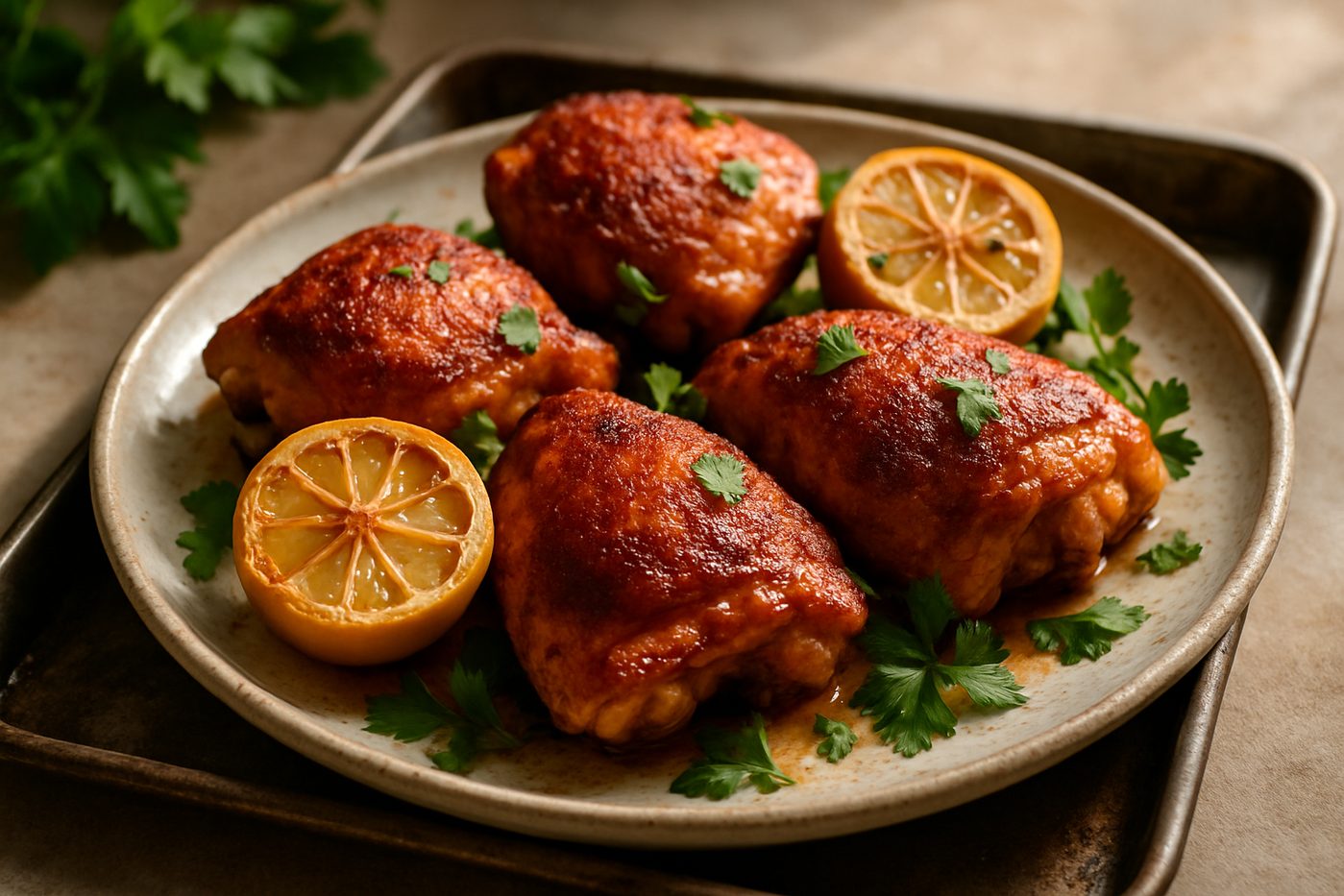
The Uptown template is the classic, elegant layout with a full-width hero image up top — a memorable first impression for brands that lead with photography.

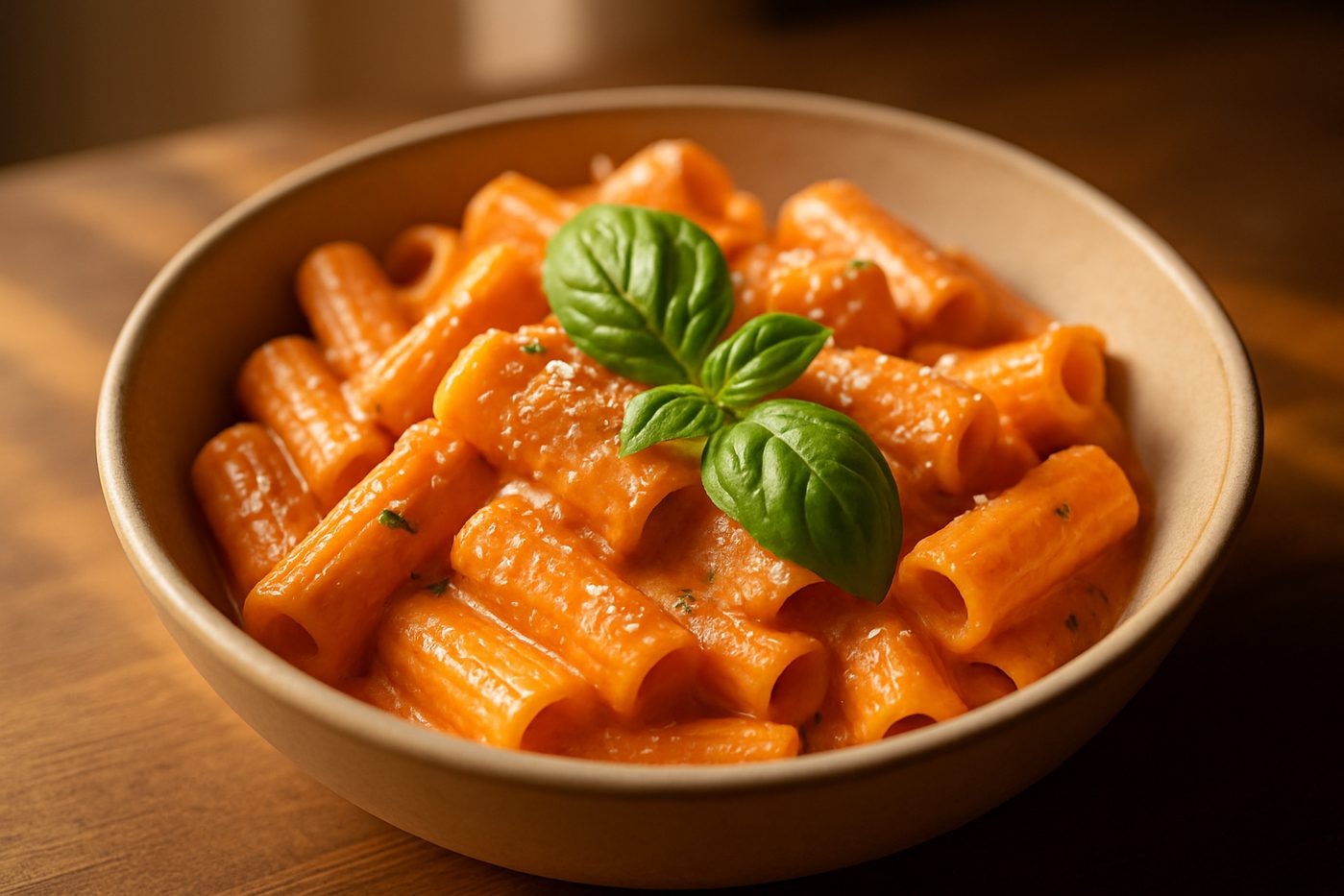
The Sunny template places the image beside the recipe for a bright, magazine-style feel. A warm, inviting fit for food brands with an editorial bent.

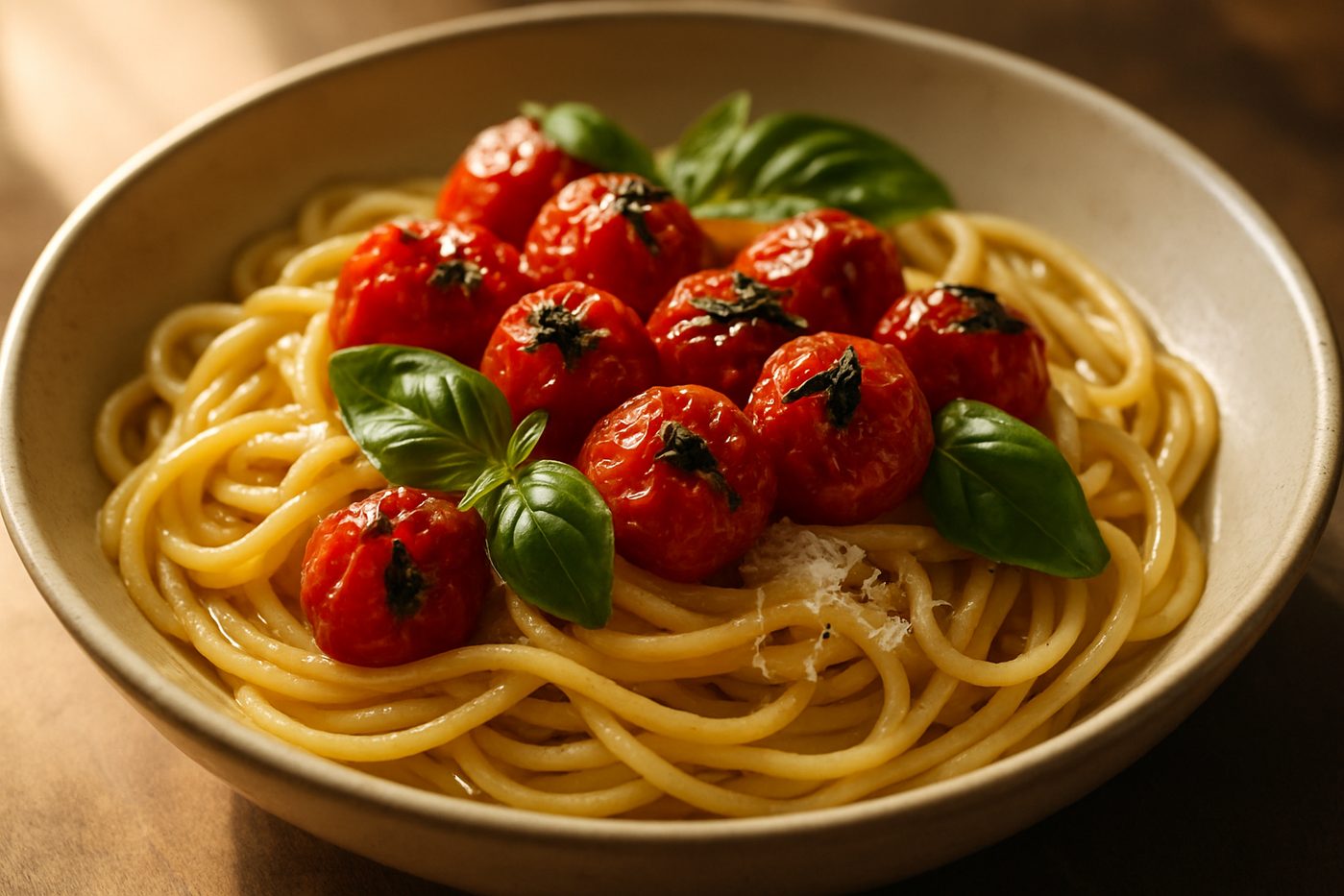
The Modern template is clean and minimal with a contemporary aesthetic — generous whitespace and refined typography that let the recipe speak for itself.

The Modern Vertical template is a two-column take on Modern with the photo alongside the ingredients — a premium, editorial feel that suits wider layouts.

Customizing your recipe cards

Every template offers comprehensive customization options to match your brand identity. Set primary and accent colors to align with your store palette. Choose fonts that complement your brand typography. Adjust spacing, borders, and backgrounds to achieve your desired aesthetic.

Customization changes apply globally to all your recipes instantly. Update your brand colors once and every recipe reflects the change. This ensures visual consistency across your entire recipe collection while making brand updates effortless.

Beyond colors and fonts, you control which elements display on your recipe cards. Show or hide prep time, cook time, nutrition labels, serving suggestions, and more. Configure the layout to emphasize the information most important to your customers while maintaining a clean, focused design.

Questions

Recipe card questions.

Common questions about recipe templates and design

Can I customize recipe cards to match my brand?

Yes. Recipe Kit offers full customization of colors, fonts, spacing, borders, and backgrounds. Your recipes will look like a natural part of your store design, not a third-party widget. All customization options are accessible through an intuitive visual editor.

What template layouts are available?

Recipe Kit includes four templates: Uptown (hero image up top), Sunny (image beside the recipe, magazine style), Modern (clean and minimal), and Modern Vertical (two-column editorial layout). All are customizable to match your brand.

Do recipe cards work on mobile devices?

Absolutely. All templates are fully responsive and automatically adjust for phones, tablets, and desktops. Touch-friendly ingredient checkboxes and properly sized tap targets ensure a great mobile experience. No separate mobile configuration needed.

Can customers print the recipes?

Yes. Every recipe includes a print button that generates a clean, formatted version optimized for paper. Smart page breaks prevent cut-off instructions and ingredient lists. Your logo and branding appear on printed recipes.

Can I add photos to individual recipe steps?

Yes. Recipe Kit supports step-by-step photos to show technique and expected results at each stage. You can also add videos for more detailed demonstrations. Rich media helps customers follow recipes successfully.

Do templates work with my Shopify theme?

Yes. Recipe Kit templates are designed to integrate with any Shopify theme. The customization options let you match colors and fonts to your existing design. Recipes appear as seamless extensions of your store.

Can I change templates after creating recipes?

Yes. You can switch templates at any time and all your recipes will update to the new layout. Your content remains unchanged. This lets you experiment with different looks without recreating recipes.

Have more questions?

Contact Us

You'll often hear back directly from Patrick, the founder.

Ready for beautiful recipe cards?

Join 1,300+ food brands with professional recipe layouts

14-day free trial - No credit card required - Cancel anytime